AI Voice Enhancer
Input


Click or drag to upload files
Supported formats: MP3, AAC, AMR, M4A, WAV; Maximum file duration: 20 min, Maximum file size: 300MB
Settings

Remove Noise

Remove Long Silences

Remove Mouth Sounds

Eliminate Hesitations

Remove Stuttering

Filler Words

Remove Breath

Normalize

Studio Sound
Export format
History
Remove Noise from Voice Recordings with Speech Enhancement in One Click
Remove Background Noise
Intelligently detect background sounds such as traffic, chatter, or wind. This feature ensures your voice remains clear and undisturbed after eliminating these annoying noises. It's especially useful for recordings made in less-than-ideal environments, allowing you to produce professional-quality audio anywhere.
Remove NoiseOriginal
Enhanced
Free AI Voice Enhancer – Improve Voice Clarity & Restore Professional Audio Instantly
FineVoice AI Audio Enhancer automatically improves voice clarity, restores low-quality recordings, and delivers clean, professional-grade sound online — no sign-up required. Using intelligent speech enhancement, AI noise reduction, echo removal, silence trimming, breath cleanup, mute specific segments, and automatic volume normalization, our AI-powered voice tool analyzes and optimizes audio with studio-level precision for clearer, more natural-sounding results. Designed for content creators, podcasters, video editors, online meetings, interviews, audiobooks, and lecture recordings, the tool helps eliminate background noise, reduce audio distractions, balance vocal frequencies, and enhance speech intelligibility in seconds.
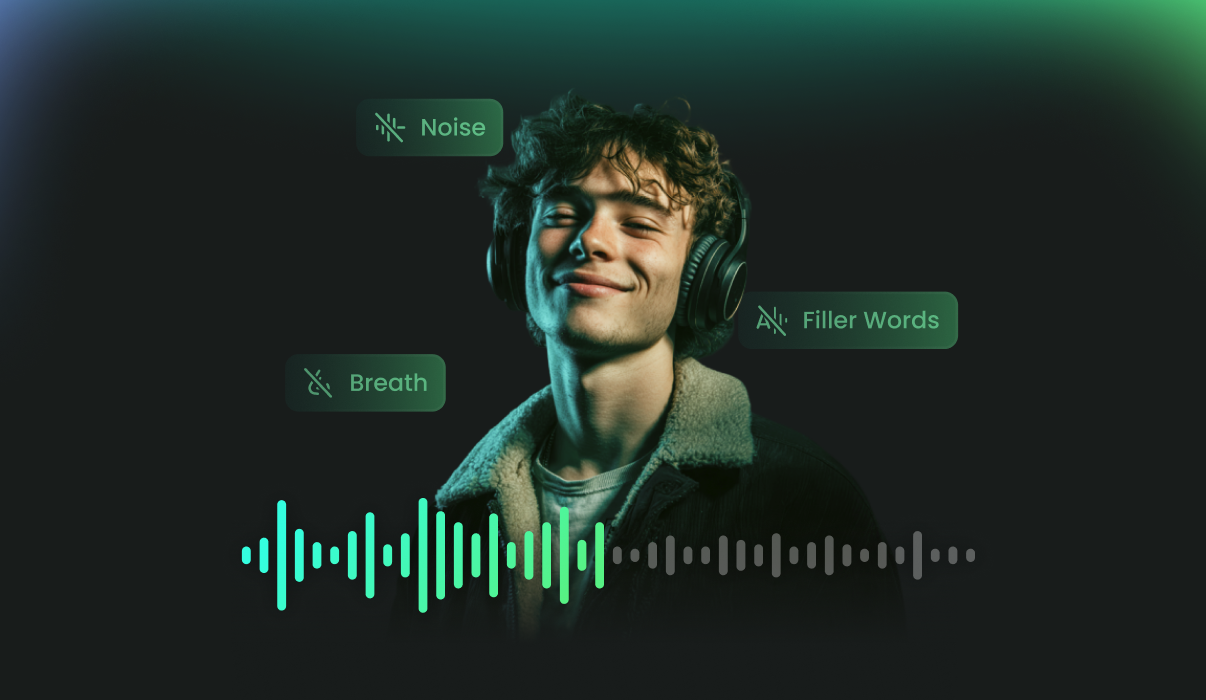
Why Choose FineVoice AI Voice Enhancer
FineVoice AI Voice Enhancer makes it easy to turn raw recordings into clear, professional audio. With intelligent processing that removes noise, reduces echoes, and balances volume automatically, you can enhance your audio in seconds—no complex editing required. Perfect for podcasts, meetings, lectures, and content creation.
Effortless Batch Audio Enhancement
Enhance up to 5 audio files simultaneously, streamlining your workflow and saving valuable time.
Smart AI-Powered Processing
Leverage cutting-edge AI algorithms for fast, automatic audio improvement and consistent results.
Transform ordinary recordings into studio-quality sound with rich clarity and balanced tones.
Multi-Format Compatibility
The sound quality enhancer supports a wide range of audio formats, including MP3, AAC, AMR, M4A, and WAV, for maximum compatibility.
Comprehensive Noise Removal (12 Options)
Effortlessly eliminate background noise, hiss, and other unwanted audio distractions for clean, professional results, with 12 customizable audio enhancement options to fine-tune your sound exactly the way you want.
Enhanced Security & Privacy Assurance
Your audio files are processed securely with advanced encryption and strict protocols, ensuring complete privacy and data protection throughout every step, from upload to final output.
Trusted by Leading Enterprises and Media






How to Enhance Audio Quality with FineVoice
Achieving professional sound has never been simpler. With FineVoice AI Voice Enhancer, you can transform amateur recordings into studio-quality masterpieces in seconds. Whether you are fixing a podcast or polishing an AI voiceover, follow these three easy steps.
1
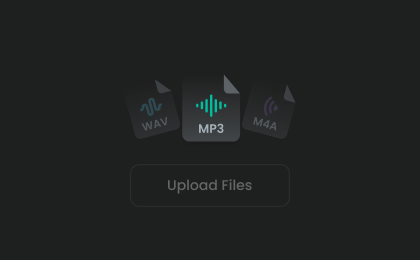
Upload Your Audio Files
Click to upload your audio recordings. This powerful voice enhancer supports batch processing, allowing you to import and improve up to five files simultaneously.
2
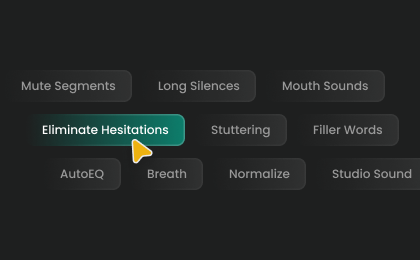
Choose Enhancement Options
Select the options by which you want to enhance your audio. Then, click "Enhance" to let AI improve voice quality.
3
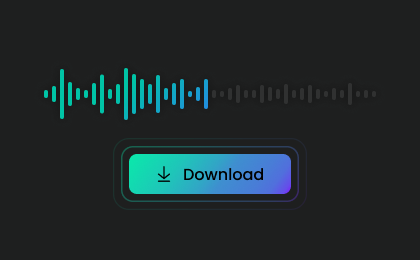
Export Enhanced Audio Files
Once done, listen to your improved recordings and download your files in high-quality MP3 format, ready for your next project, social media post, or professional presentation.
Effortless Batch Audio & Voice Enhancer
FineVoice AI Audio Enhancer makes it easy to batch-enhance audio files and work with various formats, ensuring seamless integration and reliable, high-quality output for your projects.
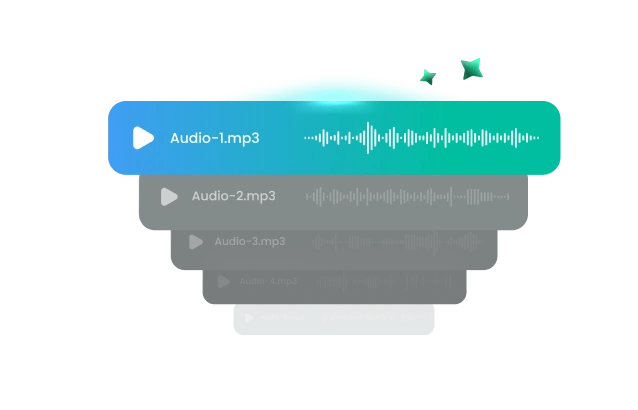
Easily Enhance Audio in Batches
FineVoice AI Audio Enhancer enables you to enhance the quality of up to 5 audio files simultaneously, streamlining your workflow and saving valuable time. With powerful batch processing, you can quickly apply studio-grade enhancements to multiple recordings in just a few clicks. Enjoy greater efficiency and consistent, high-quality results across all your projects.
Support Multiple Audio Formats
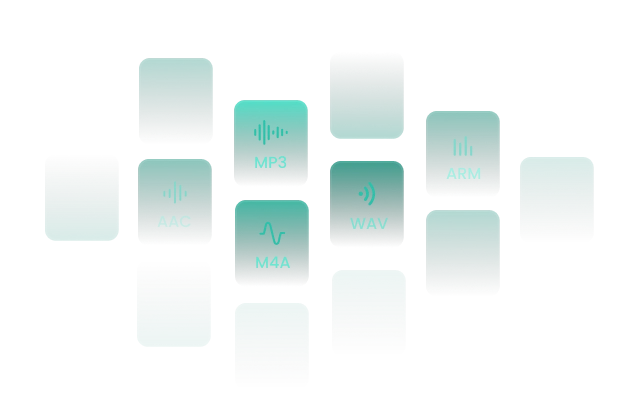
FineVoice sound quality enhancer is designed for maximum compatibility, supporting a wide range of popular audio formats. Easily import files in MP3, AAC, AMR, M4A, and WAV, and export your enhanced audio in MP3, WAV, FLAC, or M4A formats. Whether you're working with music, podcasts, voice recordings, or other audio content, FineVoice ensures seamless integration and high-quality results.
Explore FineVoice's Full AI Voice Enhancement Features
FineVoice offers 12 powerful ways to elevate your audio quality, from removing background noise to achieving studio-grade sound for all your projects.

Remove Noise
Eliminate unwanted background sounds like hums, wind, and chatter to deliver crisp, distraction-free audio that keeps your audience focused.

Remove Long Silences
Cut out lengthy pauses to make your recordings more engaging, concise, and professional.

Remove Breath
Effortlessly filter out breath sounds to keep your recordings clear and uninterrupted, ideal for voiceovers and broadcasts.

Remove Mouth Sounds
Remove distracting mouth noises for a polished, professional sound.

Filler Words
Remove verbal fillers to create a concise, polished speech that keeps your message clear and maintains your audience's attention.

Normalize
Balance uneven volume with AI enhancement—ensure consistent loudness and professional-quality audio, even when recording at different distances from the microphone.

Eliminate Hesitations
Eliminate hesitations and pauses to create smooth, confident speech—perfect for podcasts and presentations.

Remove Stuttering
Automatically detect and remove stuttering for natural, easy-to-follow audio.

Mute Segments
Instantly mute sections of audio below -80 LUFS, removing unwanted low-level noise for a clearer sound.

Keep Music
Preserve background music while cleaning up speech for a balanced listening experience.

AutoEQ
Automatically adjust equalization for optimal sound quality and clarity.

Studio Sound
Enhance your audio to achieve rich, studio-quality sound for any recording.
Unlock Crystal-Clear Sound for Any Application
FineVoice AI Audio Enhancer brings professional-quality sound to a wide range of scenarios, making audio clearer, cleaner, and more engaging across industries:
Content Creation & Video Editing
Voice Recordings for Education
Podcast & Audiobook Production
Higher-Quality Voice Cloning
Content Creation & Video Editing
Elevate your videos by using the AI audio quality enhancer to refine narration, dialogue, and voiceovers. Deliver crisp, professional-grade sound that captivates your audience and enhances your content's overall impact.
Integrate Pro-Grade Voice Restoration via FineVoice API
Enhance speech recordings with the FineVoice AI Voice Enhancer API. Improve vocal clarity, reduce background noise, optimize speech quality, and restore low-quality audio through scalable API integration for podcasts, videos, meetings, streaming, and voice-driven applications. Deploy our low-latency neural speech enhancement directly into your communication architecture.
importrequests
API_KEY="your_api_key_here"
BASE_URL="https://apis.finevoice.ai"
HEADERS={"Authorization":f"Bearer {API_KEY}","Content-Type":"application/json"}
res=requests.post(f"{BASE_URL}/v1/enhancer/speech_enhancement",headers=HEADERS,json={"url":"https://example.com/noisy_recording.mp3","model":"MossFormer2_SE_48K","output_format":"mp3"})
print(res.json())
More Than Just AI Voice Enhancer
What Our Users Say
Join millions of users worldwide. See what people are saying about our AI voice enhancement tool.

4.9
TrustScore

95%
User Satisfaction

10M+
Users Worldwide
 Rated 5
I use Voice Enhancement for all my online courses, and the improvement is obvious. My lectures sound clearer and more engaging, and students have commented on how much easier it is to follow along. The process is quick and hassle-free, making FineVoice an essential tool for educators and trainers.
LO
@Lucas OliveiraAug 18, 2025
Rated 5
FineVoice’s enhancement tool removed all the unwanted hiss and static from my audiobook recordings. The end result is polished and professional, which has helped me attract more listeners. The AI does a fantastic job of preserving the natural tone of my voice while improving clarity.
NG
@Natalia GomezAug 20, 2025
Rated 5
As a live streamer, audio quality is crucial. FineVoice boosted my streaming sound instantly, making my voice crisp and clear. My audience noticed the difference right away. The real-time enhancement is a huge advantage, especially for live events and gaming streams.
TS
@Tomoko SaitoJul 22, 2025
Rated 5
I love how straightforward FineVoice is. With just one click, my voice recordings become smooth, clear, and free of distractions. It’s perfect for voice-over work and remote meetings, helping me sound professional no matter where I am.
SR
@Sofia RussoJul 22, 2025
Rated 5
The AI Voice Enhancement feature gave my video tutorials a professional touch. Even with a basic microphone, the quality improved dramatically. My viewers appreciate the clear sound, and I spend less time editing. It’s a fantastic upgrade for content creators.
SN
@Samuel NdlovuJun 25, 2025
Rated 5
FineVoice’s enhancement tool is excellent for interviews. It balances volume levels and reduces background noise, making every guest sound their best. I rely on it for all my podcast episodes and remote interviews—super reliable and effective!
LK
@Linda KimAug 27, 2025
 Rated 4
Voice Enhancement does a great job cleaning up noisy recordings, though sometimes my voice sounds a bit too processed. Still, it’s very useful for improving audio from less-than-ideal environments. I use it regularly for webinars and online meetings.
BW
@Benjamin WrightAug 27, 2025
Rated 4
I use FineVoice for my YouTube channel, and the enhancement feature is really solid for removing echo and background noise. I wish there were more advanced customization options, but overall, it makes my videos sound much more professional.
JT
@Julia TanAug 29, 2025
Rated 3
The AI enhancement helps make my voice clearer, but sometimes it loses a bit of its natural warmth. It’s good for basic improvements, especially if you’re recording in a noisy environment. I hope future updates offer more control over the sound profile.
CJ
@Carlos JiménezAug 30, 2025
FAQs About FineVoice AI Voice Enhancer
1. How does AI voice enhancement work?
AI voice enhancement uses advanced algorithms to analyze and process audio, automatically removing noise, balancing volume, and eliminating unwanted sounds for clearer and more professional results.
2. Is FineVoice AI Voice Enhancer free to use?
3. What is the best free AI voice enhancer?
4. Do I need to sign up to use the AI Voice Enhancer?
5. What types of files does FineVoice AI Audio Enhancer support?
6. Does FineVoice AI Voice Enhancer support batch files?
7. Can I remove white noise from audio using the AI voice enhancer?
8. How long does it take to enhance an audio file?
9. Which tool offers the best voice enhancement for podcast audio?
 FineVoice
Experience Crystal-Clear Audio Now
Enhance your sound in one click with FineVoice AI Voice Enhancer and enjoy professional-quality audio instantly!

FineVoice AI Voice Enhancement transformed my podcast recordings. Background noise and static were removed instantly, and my voice sounded so much richer and more professional. It’s incredibly easy to use, even for beginners. I highly recommend it to anyone looking to upgrade their audio quality without expensive equipment.
@Elena PetrovaJun 15, 2025