Very impressed with the results. My audio narration sounds much cleaner, and I no longer need to manually edit every breath between sentences.
Remove Breathing from Audio Online
Remove distracting breath sounds from your podcast, voice-over, course narration, or interview recordings to deliver a polished, professional, and engaging listening experience.


Drag & drop audio here or click to upload
Supported formats: MP3, AAC, AMR, M4A, WAV · Max duration: 20 min · Max size: 30MB
Before & After
Original
00:00
Cleaned
00:00

4.9 / 5.0

Based on User Reviews

500+
Media Mentions & Features
10M+
Users Worldwide
Trusted by Creators, Leading Media, and AI Communities Worldwide











What is AI Breath Remover?
FineVoice's AI Breath Remover is an advanced audio cleanup tool that reduces unwanted breathing sounds in recordings. It helps eliminate distracting inhale and exhale noises from spoken audio, making your content sound cleaner and more polished without requiring time-consuming manual editing.
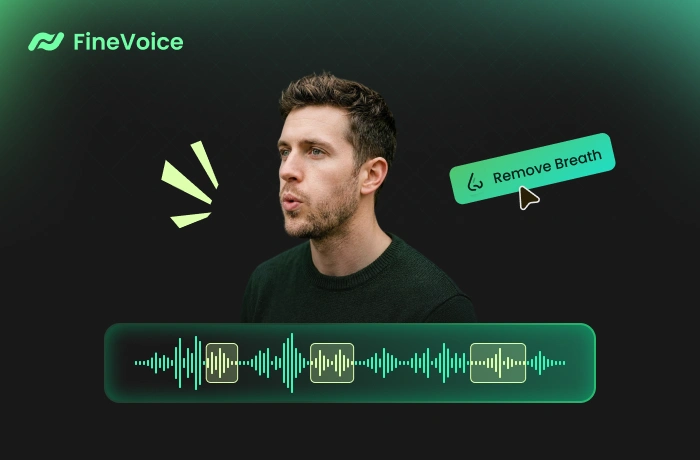
Remove Breathing Noise from Audio Automatically with FineVoice AI
Powered by intelligent audio processing, FineVoice smartly analyzes your recordings to identify breathing frequencies and reduce breath noise with precision. The AI breath removal targets unwanted breathing sounds while preserving natural speech rhythm, voice tone, and overall recording quality.
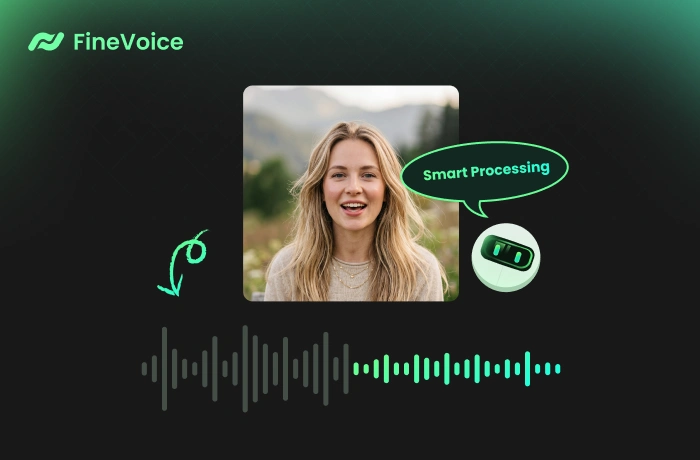
Create Cleaner, Less Distracting Audio by Removing Breath Sounds
By minimizing noticeable breathing sounds, FineVoice helps you create smoother, more focused audio content that is easier and more enjoyable to listen to. Whether you exhaled or your guest blew into the mic, our AI audio breath remover removes unwanted gasps and helps you produce clean, fluent, and professional-sounding recordings in seconds—no software or sign-up required.
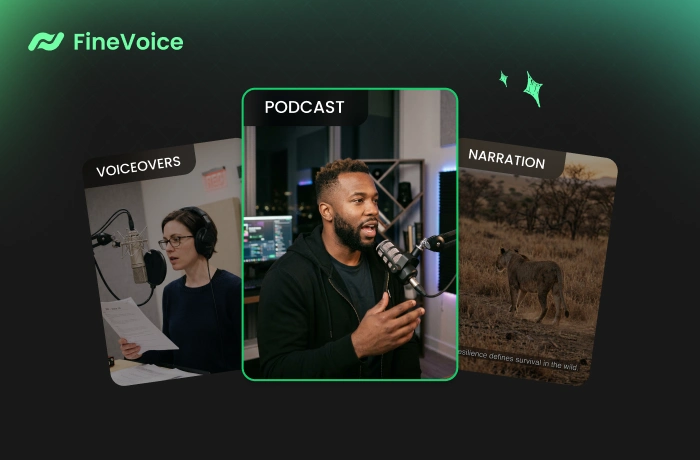
Why Choose FineVoice AI Audio Breath Remover
Discover the outstanding features of our AI Breath Remover. See why creators trust FineVoice for fast, precise breath removal and smoother, distraction-free audio production.

Intelligent Breath Detection
FineVoice AI automatically identifies inhaling and exhaling between words and phrases precisely, allowing you to separate these noises from speech without manual editing.

Heavy Breathing Removal
Detect and reduce loud breathing noises in your recording to create cleaner, more refined, and engaging audio for a distraction-free listening experience.

Natural Voice Preservation
Our advanced breath noise removal tool eliminates breathing sounds while preserving the speaker's tone, rhythm, and natural speaking flow, not affecting vocal clarity or emotion.

Studio-Quality Voice Output
Studio-quality voice enhancement helps you create smoother, clearer, and studio-ready audio for publishing, broadcasting, or professional content production.

One-Click Audio Cleanup
Clean up recordings in just seconds—upload your audio file, let AI process it automatically, and get polished results instantly. No complicated software or editing skills are required.

Batch Processing Support
Our AI Voice Enhancer can remove breathing from multiple audio files at once, saving you time while maintaining consistent, high-quality results across all files.
How to Remove Breathing from Audio Using FineVoice
Follow these simple steps to remove breathing from your recordings with this AI-powered audio breath remover.
1
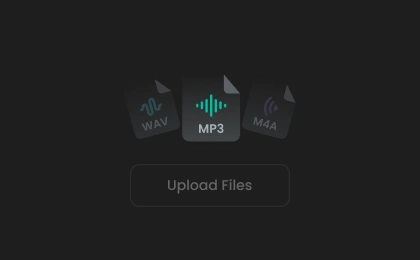
Step 1. Upload Audio
Click or drag to upload your audio files to our AI audio breath remover. Alternatively, record your audio directly on the website.
2
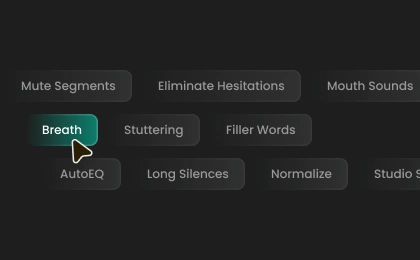
Step 2. Remove Breathing Noise
Select an export format, or leave it as auto. Then, click "Remove Breath" to instantly eliminate breathing noise from your audio.
3
Step 3. Download Audio Files
The process takes just seconds. Once complete, you can preview and save the cleaned-up audio file as an MP3, WAV, FLAC, or M4A.
How Removing Breathing from Audio Helps in Real Scenarios
See how our AI breathing remover helps creators and educators clean up recordings and produce more polished, distraction-free audio with ease.
Podcast Production
Voiceover Recording
Online Course Creation
YouTube Videos
Podcast Production
Remove distracting breathing sounds from podcast recordings to create cleaner, more focused conversations and deliver a smoother listening experience for your audience.
What Users Say About Our Breath Remover
 Rated 5
IW
Isobel Whitaker
Rated 5
Simple interface, fast processing, and surprisingly accurate breath removal. It works much better than the tools I used before.
TM
Thiago Mendes
Rated 5
This breath removal has become part of my regular workflow for course narration. It helps my recordings sound cleaner and more focused without over-processing the voice.
AR
Amir Rahmani
Rated 5
The AI breath remover works incredibly well for voiceovers. It reduces heavy breathing while keeping the natural pacing of the speech intact.
EL
Elodie Laurent
Rated 5
I tested it on several podcast episodes and was surprised by how natural everything still sounded afterward. Great balance between cleanup and voice preservation.
RG
Rowan Gallagher
Rated 5
Excellent quality and very easy to use. The cleaned audio sounds much more professional, especially for spoken-word content.
MB
Matteo Bellini
Rated 5
I use FineVoice for voiceover work, and the breath remover is excellent. It catches heavy breathing really well while keeping the recording smooth and natural.
DP
Dev Patel
 Rated 4
Breath removal usually takes me forever in editing software. FineVoice cut that process down to seconds and gave me studio-like results.
NL
Nia Llewellyn
Rated 4
Very helpful for cleaning voiceovers quickly. It removed most breathing sounds perfectly, though in a few cases I wanted slightly finer control over the final output.
ZA
Zayd Al-Hassan
More Than Just an AI Breath Remover
Go beyond breathing noise removal—clean and enhance your audio instantly with powerful AI tools.
FAQs About Removing Breathing from Audio
1. How to remove breathing sounds from audio?
Using our AI breathing removal tool, you can eliminate breath sounds from audio online for free in one click. Just upload your audio, and the tool will detect and remove breathing noise without affecting voice quality and emotion.
2. How to remove breathing noise without damaging the voice?
3. Is it free to remove breathing from audio using FineVoice?
4. Can FineVoice remove hiss from audio?
5. Do you support batch files?
6. What audio formats does the breathing removal tool support?
7. Is there a file size limit for removing breathing from audio?
 FineVoice
Ready to Remove Breathing from Your Audio?
Instantly remove breathing noise from your recordings while preserving natural voice quality for cleaner, more professional audio. Try AI Breath Remover for free, no sign-up.

This tool cleaned up my podcast audio better than I expected. It removed distracting breaths without making my voice sound unnatural. Huge time saver compared to manual editing.
Maren Holloway