Speech to Text
Upload Audio


Click or drag to upload your file
Supported formats: MP3, AAC, AMR, M4A, WAV; Maximum file duration: 30 min, Maximum file size: 300MB
Choose Language
Word-Level Timestamp
Speaker Diarization
Inference Precision
History
FineVoice Speech to Text with High Accuracy
AI Speech to Text Online – Fast, Accurate Transcription with No Sign-up Required
FineVoice Speech to Text (STT) uses automatic speech recognition (ASR) and intelligent voice analysis to convert speech, audio, and video recordings into highly accurate text in seconds — no sign-up required. This online voice to text converter offers AI-powered speech-to-text conversion with exceptional accuracy and versatility. Designed for content creators, businesses, educators, podcasters, journalists, and professional teams, our AI Voice platform automatically recognizes spoken language, interprets contextual speech patterns, and generates clear, readable, and editable transcripts with exceptional precision. Whether you're transcribing meetings, interviews, lectures, podcasts, voice notes, or video content, FineVoice delivers fast, reliable, and context-aware AI transcription with support for natural punctuation, multilingual speech recognition, subtitle generation, and professional-quality text output.
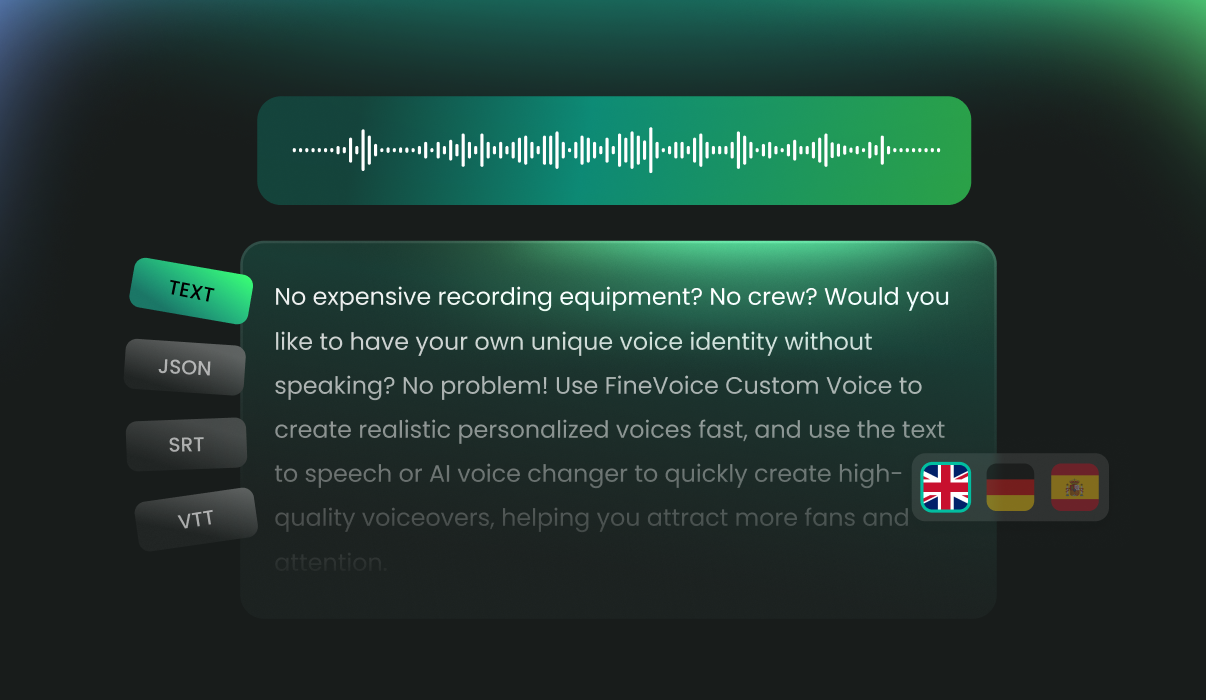
Why Choose FineVoice Speech to Text Converter
FineVoice Speech to Text Converter is designed to make transcription faster, smarter, and more reliable. With lightning-fast conversion, batch processing, and support for multiple output formats, it streamlines your workflow and saves valuable time. Powered by exceptional accuracy, multilingual speech recognition, and strong privacy protection, FineVoice ensures your audio is converted into precise text efficiently and securely.
Lightning-Fast Conversion
Convert audio to text in seconds, streamlining your workflow and boosting productivity, perfect for fast-paced environments like media production, education, and business.
Batch Processing
Efficiently convert multiple recordings into accurate text transcriptions simultaneously, streamlining your workflow and boosting productivity.
Achieve up to 95% speech transcription precision with advanced AI algorithms. FineVoice intelligently identifies multiple speakers, delivering clear, organized transcripts that are easy to follow.
Multiple Output Formats
Easily copy transcribed text and export it as a .txt, .vtt, .srt, or JSON file, ready for editing or direct use in your video projects.
Privacy & Security
Your privacy is our top priority. FineVoice takes advanced security measures to keep your recordings and transcripts confidential, whether you're managing sensitive business data or personal conversations.
Speech Recognition
Transcribe speech in over 90 languages, including English, Hindi, Tamil, Spanish, Arabic, German, and Chinese. FineVoice automatically recognizes accents, ensuring reliable results for diverse users.
Trusted by Leading Enterprises and Media






Streamline Your Speech Conversion Workflow
FineVoice quickly converts speech to text in bulk, supports over 100 languages, delivers accurate subtitles with timestamps, and offers flexible export formats—ideal for media, education, and global projects.
Convert Audio to Text in Bulk
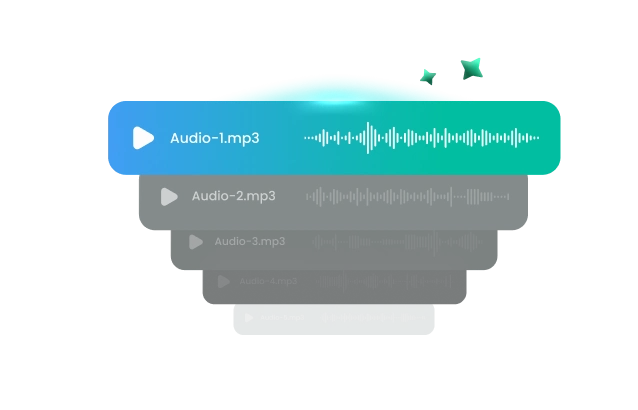
Quickly convert up to 5 audio files to text simultaneously, saving valuable time and effort. FineVoice's batch processing feature streamlines your workflow, making it easy to generate transcripts for video subtitles or classroom notes. This efficient process boosts productivity and is ideal for managing educational content and media projects.
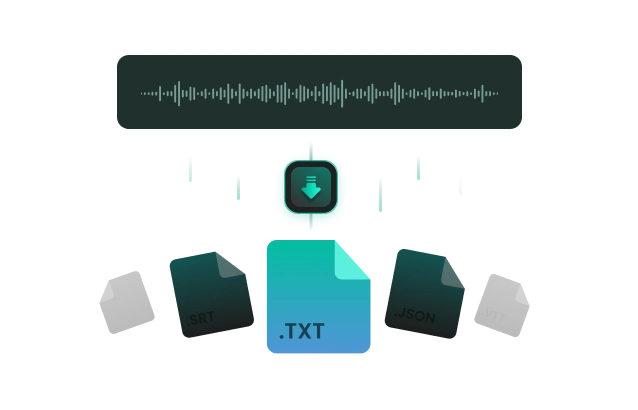
Export to TXT, JSON, SRT, VTT
Effortlessly export your transcribed text in TXT, JSON, SRT, or VTT formats for seamless integration with web applications or video editors like Capcut. FineVoice makes it simple to prepare transcripts for editing, archiving, or direct use in projects and presentations, supporting smooth collaboration and professional content creation.
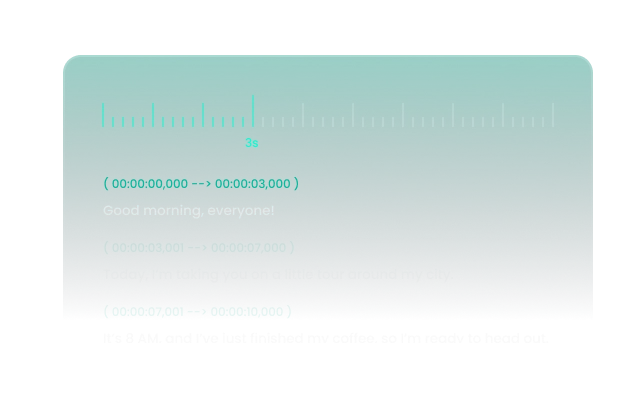
Accurate Transcription with Timestamp
Choose SRT or VTT output to receive subtitle files with precise timestamps for each spoken segment. Powered by advanced AI, FineVoice delivers 95%-100% transcription accuracy and intelligently identifies speech, making your text easy to follow and reference. Ideal for creating video subtitles or transcribing lecture notes.
Multilingual Speech to Text
Convert spoken content in over 100 languages, including English, Hindi, Tamil, Spanish, Arabic, German, and Chinese. FineVoice's AI recognizes accents and dialects, ensuring accurate results for users worldwide. Effortlessly create transcripts for global audiences, making it perfect for international projects, diverse classrooms, and multilingual content creation.
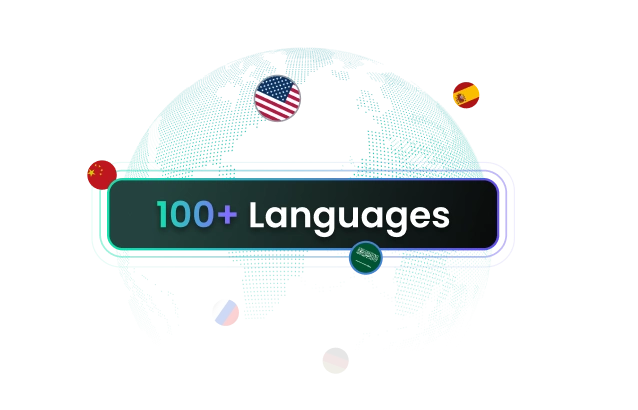
How to Convert Speech to Text Online
It's easy to convert speech into text with FineVoice's advanced STT technology. Just follow the 3 simple steps.
1
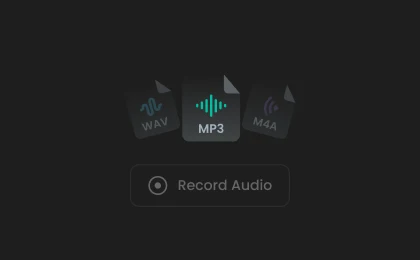
Upload or Record Audio
Upload your voice recording or record a new file. To ensure conversion quality, please record at least 10 seconds.
2
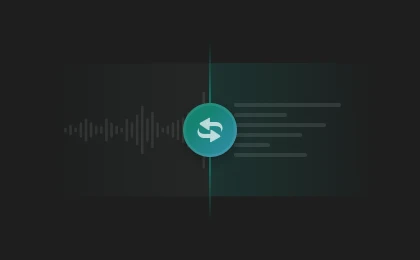
Convert Speech to Text
Select your speech language and output format. Then, click "Convert" to turn audio into text.
3
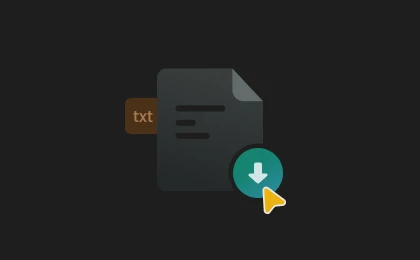
Copy Text or Download File
View the converted text, then copy it or download it as a .txt, JSON, .srt, or .vtt file.
Convert Speech to Subtitle Text for Various Videos
Speech to Text makes it easy to create subtitles for various recorded videos, improving accessibility and viewer experience in education, media, business, and more.
Lecture & Course Recordings
Interviews & Documentaries
Vlogs & Media Videos
Legal Transcripts
Lecture & Course Recordings
Empower students to learn at their own pace by using AI speech-to-text to automatically generate accurate subtitles for recorded lectures and course materials. Make crucial information easy to find and review whenever needed.
AI Speech to Text Transcription in 100+ Languages
Our AI speech-to-text translator supports over 100 languages. Simply select your preferred language and upload your audio file to get an accurate transcript instantly.

Spanish (Spain)

French (France)

Japanese (Japan)

Chinese (China)

German (Germany)

Hindi (India)

Arabic (United Arab Emirates)

Portuguese (Portugal)

Bengali (India)

Urdu (India)

Thai (Thailand)

Vietnamese (Vietnam)

Indonesian (Indonesia)

Italian (Italy)

Dutch (Netherlands)

Russian (Russian)

Ukrainian (Ukraine)

Turkish (Turkey)

Hebrew (Israel)

Swedish (Sweden)
Deploy High-Precision Speech Recognition via FineVoice API
Convert spoken audio into accurate text transcripts with the FineVoice Speech to Text API. Process voice recordings, meetings, podcasts, interviews, videos, and multilingual audio through scalable API integration for transcription, captioning, AI workflows, and speech-driven applications. Stream live audio or batch process multi-speaker files with seamless, cloud-scale transcription accuracy.
importrequests,time
API_KEY="your_api_key_here"
BASE_URL="https://apis.finevoice.ai"
HEADERS={"Authorization":f"Bearer {API_KEY}","Content-Type":"application/json"}
res=requests.post(f"{BASE_URL}/v1/audio/stt",headers=HEADERS,json={"url":"https://example.com/interview.mp3","language":"en","format":"json","speaker_diarization":True,"max_speakers":2,"useAsync":True})
task_id=res.json()["task_id"]
while True:
result=requests.get(f"{BASE_URL}/v1/task/{task_id}",headers=HEADERS).json()
if result["status"] == "completed":
print(f"Transcript URL: {result['url']}")
break
elif result["status"] == "failed":
print(f"Error: {result['error']}")
break
time.sleep(2)
More Than Just Speech to Text
No need to juggle multiple voice generation tools—bring your ideas to life in just minutes with FineVoice.
What Our Users Say
Join millions of users worldwide. See what people are saying about FineVoice Speech to Text.

4.9
TrustScore

95%
User Satisfaction

10M+
Users Worldwide
 Rated 5
I often use FineVoice for interview recordings, and its high recognition rate—even with technical terms—makes editing much easier and more efficient.
LO
Liam O’ConnorSep 18, 2025
Rated 5
FineVoice accepts multiple audio formats, so I can process recordings from different devices easily, and the accuracy has been consistently reliable.
RT
Rachel TurnerJul 14, 2025
Rated 5
There are occasional minor typos, but the overall recognition is excellent, especially in quiet environments, which has really boosted my productivity.
ME
Michael EvansMar 22, 2025
Rated 5
Taking notes for online courses is so much easier now; everything the teacher says is converted into text, making it simple to review and find key points later.
CM
Carlos MartínezMay 25, 2025
Rated 5
After uploading meeting recordings, I get a detailed transcript within minutes, which saves me from tedious manual typing and gives me confidence in its accuracy.
LK
Lucas KimJun 23, 2025
Rated 5
It’s very practical for organizing phone interviews, and after transcription, I can quickly search for keywords; I’d love to see auto-paragraphing and speaker identification in future updates.
JL
Jessica LinJul 16, 2025
 Rated 4
The interface is clear and easy to use, requiring almost no learning curve, and I love that the results can be exported directly for quick editing and sharing.
AM
Anna MüllerAug 28, 2025
Rated 4
The transcription speed is fast, with text appearing just seconds after speaking, and while I wish it supported more dialects, the overall experience is smooth.
OS
Olivia SmithAug 3, 2025
Rated 4
FineVoice recognizes Mandarin perfectly, but I hope they add support for English and other languages in the future to make it even more versatile.
KP
Kevin ParkFeb 13, 2024
FAQs About FineVoice AI Speech to Text
1. How long does it take to convert audio to text?
A 20-minute audio file typically takes about 5 minutes to transcribe, depending on audio quality, server load, and speaker accents. Transcription starts immediately after upload, and you can download your transcript as soon as it's finished.
2. How accurate is the speech-to-text transcription?
3. Is there a free speech-to-text converter?
4. Do I need to sign up to use Speech to Text?
5. What is the best speech-to-text software?
6. What languages does FineVoice Speech to Text support?
7. What output format does FineVoice Speech to Text provide?
 FineVoice
Try the Best AI Speech to Text Online Free
Experience accuracy, versatility, and convenience with FineVoice AI Speech to Text. Instantly convert your voice record to text or generate readable subtitles from your audio with ease!

FineVoice Speech to Text is impressively accurate, capturing every detail during meetings and saving me a lot of time on note-taking without missing any key points.
Priya SharmaAug 15, 2025