I use FineVoice daily for turning interview links into searchable text. Fast processing, clean transcripts, and flexible downloads make the workflow surprisingly efficient.
Link to Text
History
Preview Our Video Link to Text Sample
Sample Audio
00:00 / 0:00
Transcribe Audio & Video Link to Text with FineVoice AI
Convert video and audio links into accurate, searchable text instantly with FineVoice AI. Our link to text converter automatically transcribes spoken content from YouTube, TikTok, X (Twitter), Instagram, Facebook, and more with speaker labels, timestamps, multilingual support, and flexible export formats — all online with no installation or sign-up required.
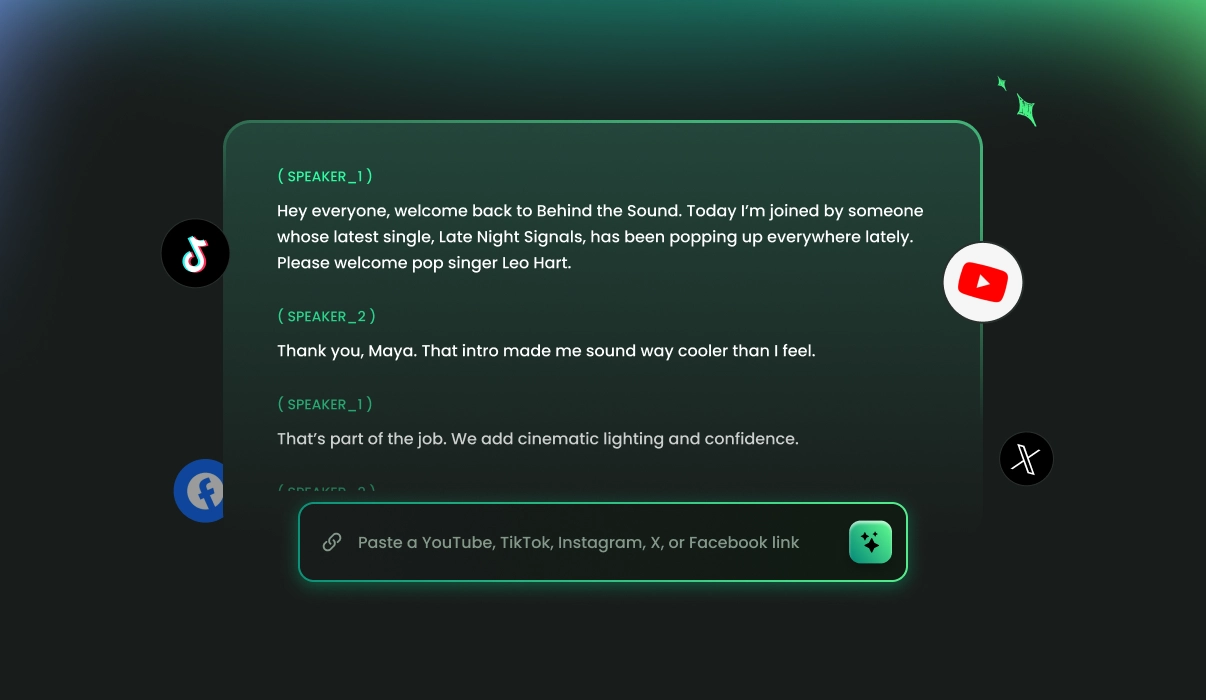
Why Choose FineVoice Link to Text Converter
FineVoice offers fast AI-powered transcription, one-click text extraction, multilingual support, speaker labeling, timestamps, and flexible export options to help you instantly turn links into accurate, searchable text from multiple online platforms.
One-Click Text Extraction
Paste a link and instantly extract spoken content to transcripts with a single click, no manual copying, downloading, or complicated processing steps required.
Speaker Labeling & Timestamps
Automatically detect speakers and generate precise (word-level or segment-level) timestamps for easier transcript navigation, subtitle creation, and content editing workflows.
Fast & Accurate Transcription
Generate accurate, searchable transcripts from online videos and audio in seconds using advanced AI speech recognition technology.
Easy Copy & Download
Easily preview and copy text, or download transcripts instantly in TXT, SRT, VTT, or JSON formats for flexible content workflows.
Support Multiple Platforms
Extract text from YouTube, TikTok, X (Twitter), Instagram, Facebook, and other supported video or audio platforms online.
99 +
Languages & Accents
Transcribe spoken content accurately across 99+ languages and accents for global accessibility and international content reuse.
Trusted by Leading Enterprises and Media






How to Transcribe Video Links in 3 Simple Steps
Convert links into accurate, searchable text in just one click. FineVoice makes it easy to extract transcripts from video and audio URLs — fast, automatic, and no technical skills required.
1
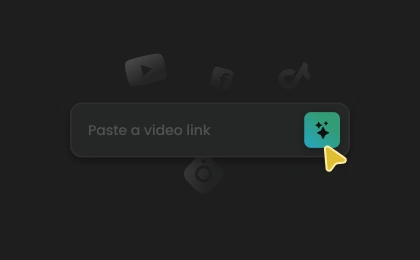
Step 1. Paste Your Link
Copy and paste a video or audio link from YouTube, TikTok, X, Instagram, Facebook, or other supported platforms into the link-to-text converter.
2
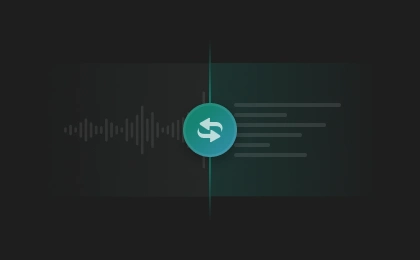
Step 2. Convert Link to Text
Adjust transcription settings as needed, then click "Transcribe" to automatically extract spoken content and generate accurate, searchable text from the link.
3
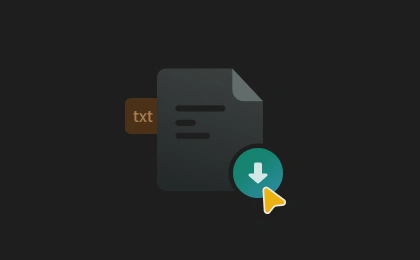
Step 3. Download Transcripts
Processing usually takes only seconds. Once complete, preview, copy, or download the transcript in TXT, SRT, VTT, or JSON format for reuse, editing, or sharing.
Transcribe Audio & Video Links to Text in Seconds with FineVoice
FineVoice AI-powered link-to-text transcription automatically parses your URL and converts spoken content into accurate, searchable text with speaker labels. Export transcripts in TXT, SRT, VTT, or JSON formats, including both segment-level and word-level timestamp data.
Paste Any Link, Get Instant Transcripts
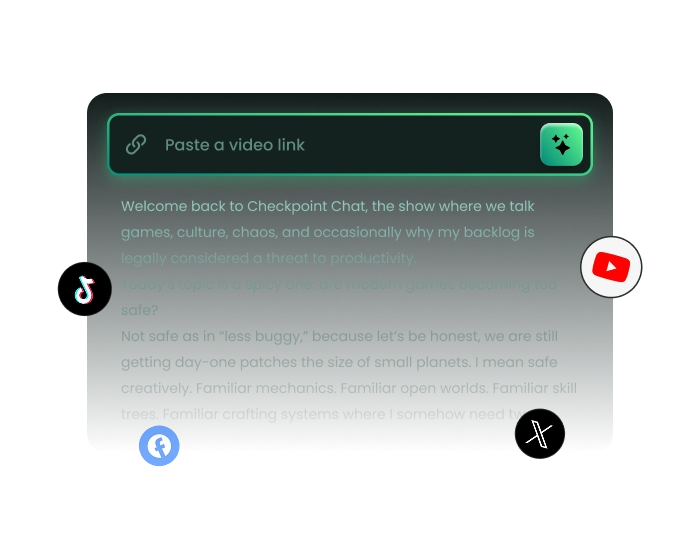
Turn online videos, podcasts, and audio into accurate transcripts in just seconds by simply pasting a link. Our link to text converter supports popular platforms like YouTube, TikTok, X (Twitter), Instagram, Facebook, and more, allowing you to extract spoken content without downloading files or manually typing captions. The automatic transcript generation helps streamline subtitle creation, note-taking, content repurposing, and documentation workflows — all directly in your browser with no installation or sign-up required.
Turn Links into Searchable Text with Speaker Labels & Smart Timestamps
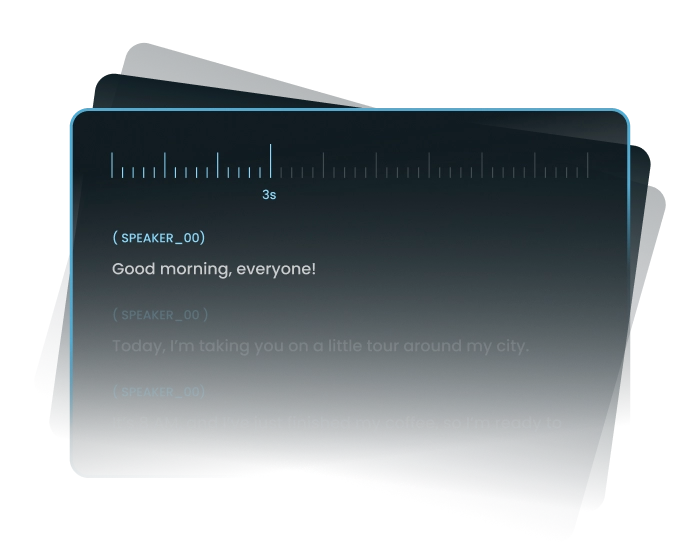
Transform spoken conversations into structured, searchable text with speaker labels and precise timestamps for easier navigation and editing. Quickly locate important quotes, review interviews, repurpose podcast discussions, create subtitles, or analyze long-form video content without replaying entire recordings. Smart transcript formatting makes it easier to organize educational videos, creator content, and social media clips while improving accessibility, collaboration, and content management across different workflows.
Common Use Cases for Converting Video Links to Transcripts
Whether you're a creator, student, marketer, or media professional, FineVoice helps you easily turn video and audio links into accurate text for subtitles, accessibility, or other purposes.
Content Creators
Students & Researchers
Marketing & Social Media Teams
Podcasters & Video Creators
Content Creators
Convert YouTube links, including videos, interviews, and podcasts, into searchable transcripts for subtitles, blog posts, captions, and content repurposing.
More Than Just Link to Text
Explore more AI tools to generate accurate transcripts and high-quality audio content with ease.
What Our Users Are Saying
Join millions of users worldwide. See what people are saying about our audio & video link to text converter.

4.9
TrustScore

95%
User Satisfaction

10M+
Users Worldwide
 Rated 5
CH
Cedric Holloway
Rated 5
The link-to-text feature works smoothly across multiple platforms. I pasted an Instagram video URL and received a detailed transcript within seconds without installing anything.
NE
Naomi Ellsworth
Rated 5
FineVoice helped me quickly transcribe online videos. The transcript quality was far more accurate than we expected from an online tool.
VL
Victor Langford
Rated 5
Quite a simple process! Paste a link, click transcribe, and download subtitles immediately. Perfect for creators working with YouTube and social clips.
SW
Selene Whitmore
Rated 5
The multilingual support is fantastic. I tested several video links in different languages, and FineVoice consistently delivered readable and organized transcripts.
TE
Tobias Everly
Rated 5
FineVoice saves me so much time when repurposing podcast clips and online interviews into blog articles. The searchable transcript feature is especially useful for finding quotes quickly.
MC
Mireya Caldwell
Rated 5
Very accurate. FineVoice transcribes long-form creator interviews from YouTube, and export options fit perfectly into my editing workflow.
EH
Elowen Hart
 Rated 4
As a content marketer, I use this tool to extract captions and transcripts from social media videos. It’s fast, reliable, and much easier than manual transcription.
DV
Dorian Vale
Rated 4
The online link-to-text converter feels incredibly polished. No complicated setup, no software download — just fast AI transcription from almost any video or audio link.
CR
Cassian Rowe
FAQs About FineVoice Link to Text Converter
1. Which platforms does FineVoice's link-to-text converter support?
We currently support popular video and audio links from YouTube, TikTok, Instagram, X (Twitter), and Facebook, with support for more platforms planned in the future.
2. How long does it take to extract transcripts from a link?
3. Is the link to text converter free to use?
4. What languages are supported for transcription?
5. Is my data secure when using this link to text tool?
 FineVoice
Convert Video Links to Text in One Click
Ready to turn your YouTube, TikTok, podcast, or social media link into text? Simply paste a video or audio URL from supported platforms and generate accurate transcripts instantly with a single click.

FineVoice made it incredibly easy to convert YouTube and TikTok links into accurate transcripts. The timestamps and speaker labels saved me hours during video editing and content repurposing.
Alina Mercer