I use the tool for my podcasts, and the transcription quality is consistently impressive. The turnaround time is very fast, with transcripts ready in just seconds. Editing the text is simple, and publishing my content has become much more efficient and streamlined.
Audio to Text
Upload Audio


Click or drag to upload your file
Supported formats: MP3, AAC, AMR, M4A, WAV; Maximum file duration: 30 min, Maximum file size: 300MB
Choose Language
Word-Level Timestamp
Speaker Diarization
Inference Precision
History
Preview Accurate Audio Transcription Results
Sample Audio
00:00 / 0:00
Audio to Text Converter with AI
Leveraging advanced automatic speech recognition (ASR) technology, FineVoice's AI Audio-to-Text Converter automatically transforms spoken audio into accurate, easy-to-read text. Quickly transcribe podcasts, meetings, interviews, lectures, voice recordings, and more without manual typing. Generate reliable transcripts effortlessly to save time, improve productivity, and capture every important detail from your audio files.
Why Choose FineVoice's Audio to Text Converter
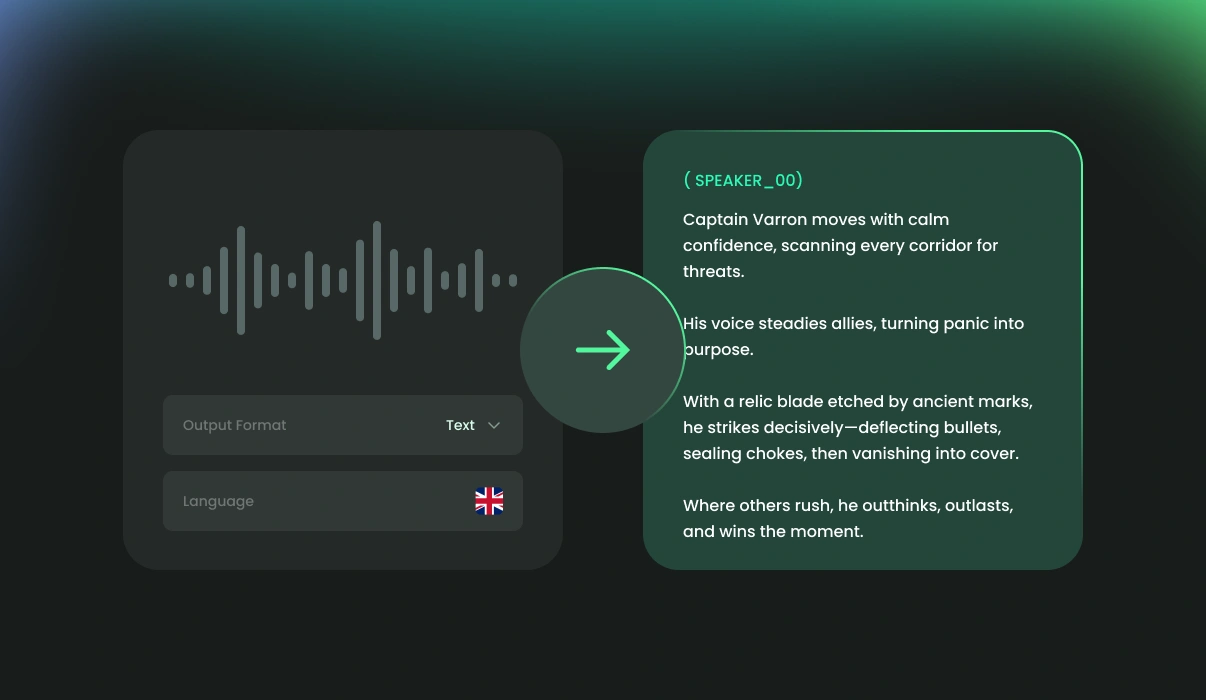
FineVoice Audio to Text accurately detects who is speaking and what is being said, generating structured, easy-to-read transcripts with speaker labels and timestamps. Powered by advanced ASR technology, it delivers fast, reliable transcription across multiple languages, accents, audio formats, and recording scenarios.
Fast Audio Transcription
Convert audio to reliable text in seconds with our AI-powered transcription, saving time on manual typing, reviewing, and repetitive editing workflows.
99+ Languages & Accents
Transcribe audio from 99+ languages and accents, including English, Spanish, French, German, Chinese, Japanese, Cantonese, and more.
Up to
99% Accuracy
FineVoice leverages advanced ASR technology to deliver highly accurate transcriptions, even in the presence of background noise, multiple speakers, accents, or complex terminology.
Wide Variety of Formats
Supports popular audio formats such as MP3, AAC, M4A, and WAV, with export options including TXT, SRT, VTT, JSON, and TSV.
Speaker Recognition & Timestamps
Automatically distinguish different speakers and generate precise timestamps throughout the transcript, making conversations easier to follow, review, and edit.
Secure & Private Processing
Your recordings are processed securely with privacy-focused protection, helping keep your audio files and transcription data confidential throughout processing.
Trusted by Leading Enterprises and Media






How to Transcribe Audio to Text Online Free
Transcribing audio to text is simple with FineVoice. Follow these three easy steps to generate accurate AI transcripts from your recordings in seconds.
1
Step 1. Upload or Record Audio
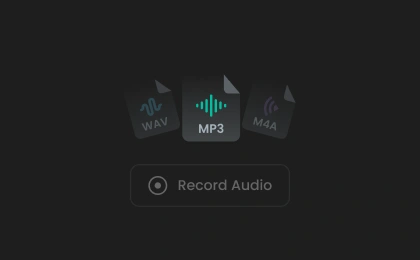
Upload your audio file to the AI transcription tool, or record audio directly using our online voice recorder. For better transcription accuracy, we recommend recordings longer than 10 seconds.
2
Step 2. Convert Audio to Text
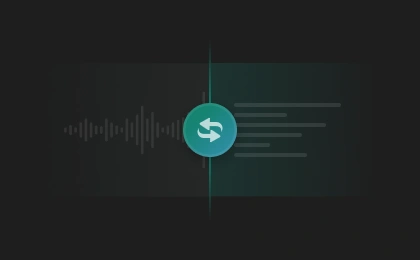
Our audio-to-text converter automatically detects the spoken language in your recording. You can also select the original language for improved accuracy. Then choose your needed transcription settings and click "Transcribe" to start conversion.
3
Step 3. Save Your Transcript File
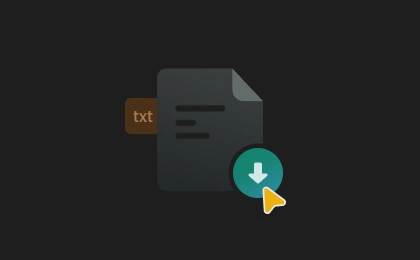
Your transcript will be generated within seconds. Once completed, preview and download the transcript in TXT, SRT, VTT, or JSON format for your workflow or content needs.
Powerful AI Audio Transcription for Every Workflow
Turn spoken audio into accurate, structured text with AI. FineVoice combines advanced speech recognition, multilingual transcription, speaker labels, timestamps, and flexible export formats to make audio transcription faster, clearer, and more efficient for creators, professionals, educators, and everyday users.
Accurate AI Transcription That Captures Every Word Clearly
FineVoice uses automatic speech recognition to convert spoken audio into highly accurate, easy-to-read text within seconds. It intelligently recognizes speech patterns, multiple speakers, and different accents to generate reliable transcripts with minimal errors. Whether you are transcribing podcasts, lectures, or voice memos, the tool helps eliminate manual typing while making your spoken content searchable, editable, and easier to manage.
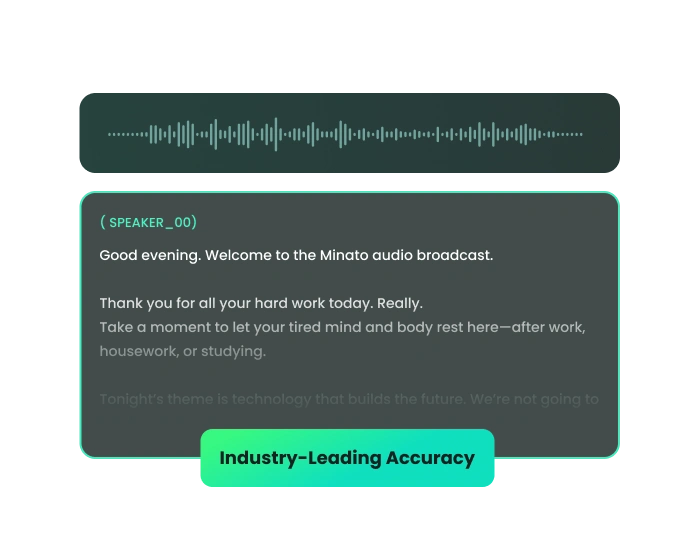
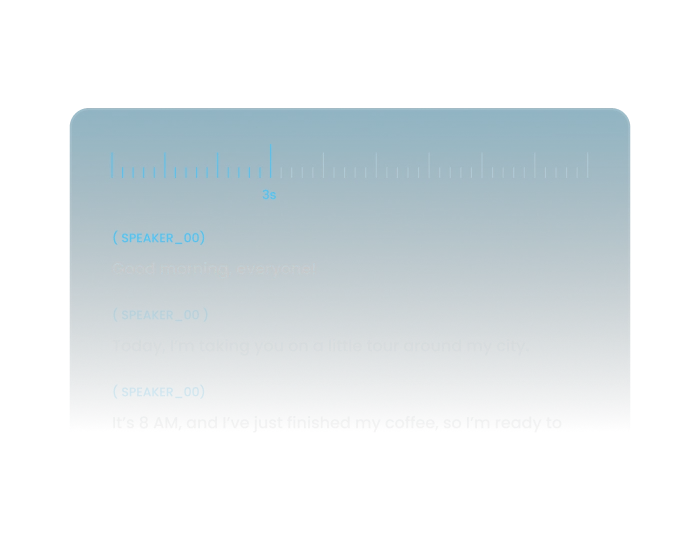
Structured Transcripts with Speaker Labels and Timestamps
Utilizing advanced speaker diarization technology, FineVoice automatically generates structured transcripts complete with speaker recognition and precise timestamps, helping you follow conversations more efficiently. From team meetings and webinars to interviews and research discussions, the organized transcript format improves readability, collaboration, editing, and content review while saving valuable time during post-production.
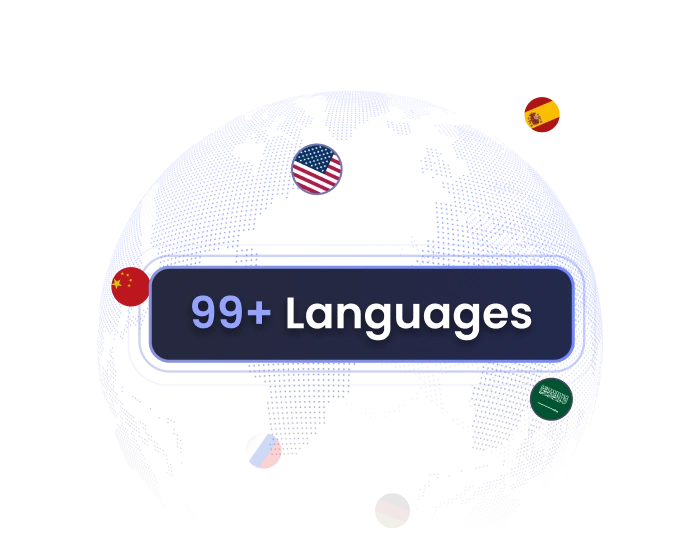
Multilingual Transcription Built for Global Content
FineVoice supports transcription across 99+ languages and accents. Whether your recordings include English, Spanish, French, German, Portuguese, Chinese, Japanese, or mixed-language conversations, the AI adapts intelligently to different speaking styles and pronunciations, making it easy for creators, educators, businesses, and global teams to transcribe content for subtitles, documentation, accessibility, localization, and cross-border communication.
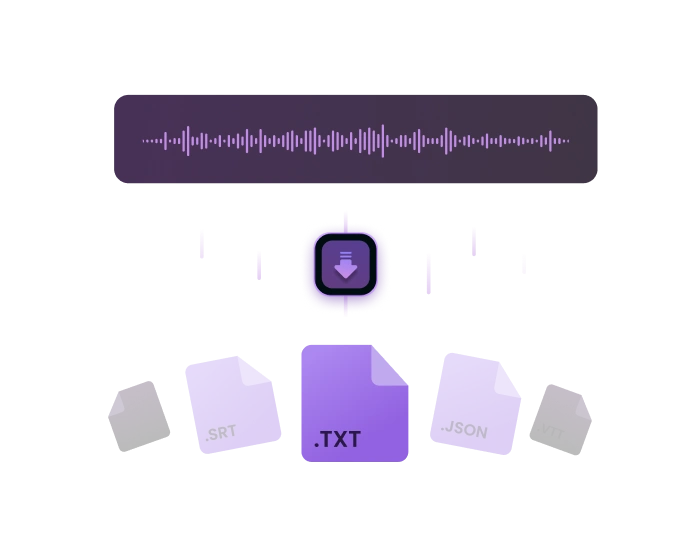
Fast, Online Audio-to-Text Conversion for Any Workflow
Designed for speed and convenience, FineVoice lets you transcribe audio directly in your browser without downloading software or learning complicated editing tools. Simply upload your audio file, let the AI process the recording automatically, and export the transcript in TXT, SRT, VTT, or JSON format. Enjoy streamlined audio transcriptions with secure, browser-based processing and fast turnaround times.
Who Can Use Our Audio to Text Converter
Convert audio recordings into accurate, searchable text for meetings, podcasts, interviews, lectures, subtitles, and more — designed for creators, students, professionals, and everyday users.
Podcasters & Creators
Students & Educators
Journalists & Researchers
Business Teams & Professionals
Legal Professionals & Law Firms
Podcasters & Creators
Convert podcasts, voice recordings, interviews, and spoken content into searchable text for subtitles, content repurposing, summaries, blog writing, and publishing across multiple social and media platforms.
More Than Just Audio to Text
Besides audio to text transcription, FineVoice offers a range of AI voice tools to help create, edit, and elevate audio content easily and quickly.
What Our Users Are Saying
Join millions of users worldwide. See what people are saying about our AI Audio Transcriber.

4.9
TrustScore

95%
User Satisfaction

10M+
Users Worldwide
 Rated 5
DS
Daniel Smith
Rated 5
Organizing lecture notes is much easier with FineVoice. The conversion is consistently clear and accurate, and it supports multiple export formats. I can quickly search for key topics, making study sessions more efficient. For students looking to save time, this tool is essential.
EJ
Emily Johnson
Rated 5
It handles multilingual conference calls perfectly. The automatic language detection is reliable, and the transcripts are very accurate. My international team finds it extremely helpful.
CM
Carlos Martinez
Rated 5
I use it for legal interviews and meetings. The transcripts are always precise, and the interface is easy to navigate. It’s become an essential part of my workflow.
LT
Linda Thompson
Rated 5
Creating subtitles for videos is so quick. The timecode support is fantastic, and I can export files directly for editing. It fits seamlessly into my production process.
KB
Kevin Brown
Rated 5
This tool helps me turn class recordings into detailed notes. The transcription quality is excellent, with minimal errors, and I can easily search for key topics or specific phrases when reviewing my studies. This has made preparing for exams and organizing lecture material much simpler and more efficient.
SD
Sophie Dubois
 Rated 4
The overall experience is great, and FineVoice has made transcribing audio much easier. However, it occasionally struggles with strong accents or background noise, which affects accuracy. Despite this, it remains a reliable tool for most recordings and has noticeably improved my workflow and productivity.
TA
Tom Andersen
Rated 4
Fast and reliable for interview transcriptions. Would love more detailed non-verbal sound descriptions.
RE
Rachel Evans
Rated 4
FineVoice does a solid job transcribing our team meetings, and the accuracy is usually high. I appreciate how quickly it processes audio files, though I’d like to see more advanced editing options in future updates.
EM
Eric Müller
FAQs About FineVoice Audio to Text Converter
1. Do I need to download software to transcribe audio to text?
No, there's no need to download any software. This online audio-to-text converter lets you transcribe audio recordings to text seamlessly through a user-friendly interface, eliminating the need for additional downloads.
2. What types of audio can I transcribe with FineVoice?
3. What languages does FineVoice AI transcription support?
4. How long does it take to get my audio transcripts?
5. Is the audio recording to text converter free to use?
6. Can I transcribe audio with poor quality or multiple speakers?
7. Is my data safe when using the audio to text converter?
 FineVoice
Ready to Transcribe Your Audio to Text?
Turn hours of listening into searchable text in seconds. Upload your audio, generate accurate AI transcripts instantly, and simplify the way you work with meetings, podcasts, interviews, lectures, and more.

FineVoice makes transcribing business meetings so easy. The accuracy is impressive, and I rarely need to make corrections. It has saved me hours of manual work each week.
Jessica Miller