


Drag & drop file here or click to upload
Supported formats: MP3, AAC, AMR, M4A, WAV, WMA · Max duration: 30 min · Max file size: 300MB
Convert voice memos to text quickly with FineVoice AI. Upload your audio once, automatically detect languages and speakers, and generate accurate transcripts in seconds.
Drag & drop file here or click to upload
Or try our sample audio:
Sample 1
00:00
Sample 2
00:00

4.9 / 5.0

Based on User Reviews

500+
Media Mentions & Features
10M+
Users Worldwide
Trusted by Creators, Leading Media, and AI Communities Worldwide











Voice memos are a powerful way to capture ideas, meeting highlights, and daily tasks, but their real value comes from turning them into usable content. With AI speech-to-text, recordings can be instantly converted into clear, searchable, and editable transcripts and subtitles, significantly reducing time and boosting productivity across work, study, and content creation.
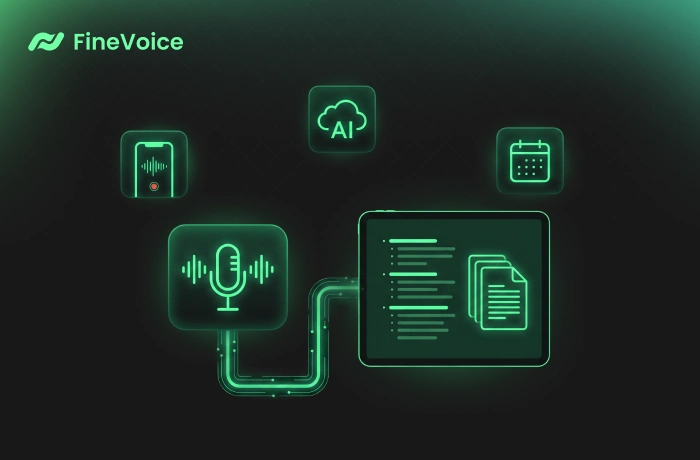
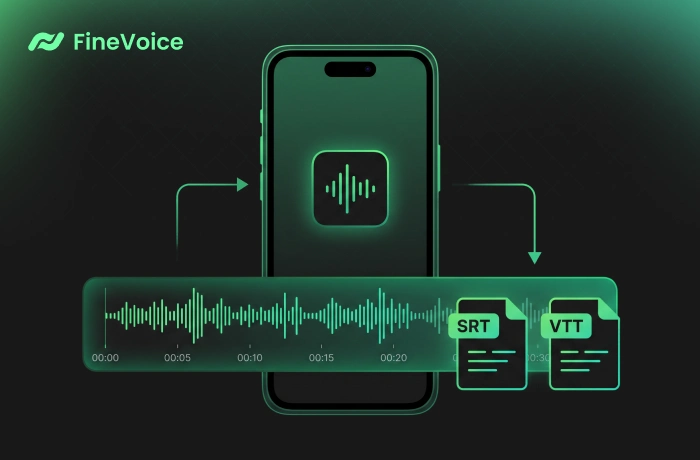
Through advanced AI speech recognition technology, FineVoice can instantly and automatically convert voice memos into highly accurate transcripts, simultaneously generating SRT and VTT subtitle files with precise timestamps. Even for long meetings, multi-speaker conversations, or mixed-language speech, it delivers stable, smooth, and reliable transcription quality.
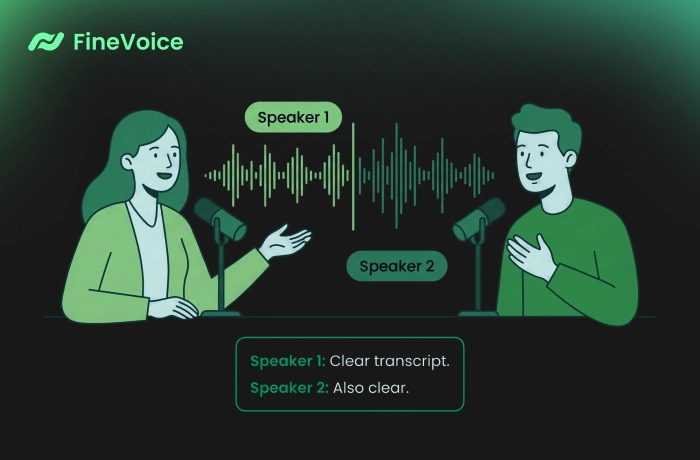
FineVoice uses advanced AI speaker diarization to automatically distinguish different speakers in a conversation. Even in meetings, roundtables, or multi-person discussions, it clearly identifies who said what. The speaker labeling feature works across all export formats, including SRT, VTT, TXT, and JSON, making it easy to create structured reports and organized notes.
Using a state-of-the-art ASR model, FineVoice makes voice memo transcription fast, accurate, and effortless. Enjoy 99+ language support, speaker labeling, timestamps, and flexible export formats — all without manual transcription work.


Follow 3 simple steps to convert voice memos into accurate, searchable text with FineVoice AI. No software installation or login required.
Upload your voice memo file from your device. Our voice memo transcription tool supports popular audio formats, including M4A, AMR, MP3, and more.
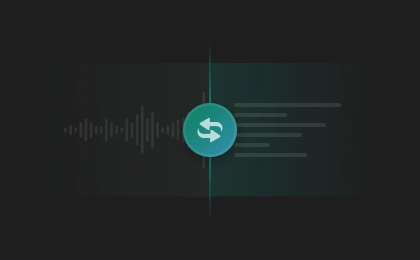
Adjust transcription settings as needed. Then click "Transcribe" to automatically convert your voice memo into clear, structured, and readable text with labeled speakers.
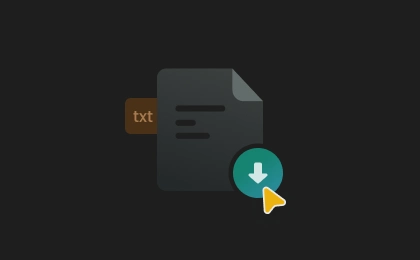
Transcription usually takes seconds, depending on the file length and inference precision. Once finished, download the transcript in TXT, SRT, VTT, or JSON format.
From business meetings and academic lectures to content creation and daily voice memos, FineVoice helps professionals, students, and creators quickly convert audio into accurate text. Save time on manual transcription and make every recording easier to review, organize, and repurpose.
Meetings & Interviews
Lectures & Research Notes
Video Subtitles & Content Repurposing
Voice Memos & Idea Capture
Online Courses & Training
Business, PM, and HR professionals can stay focused on conversations during meetings and interviews while FineVoice automatically detects speakers and generates accurate transcripts, making professional meeting notes, summaries, and reports much faster to create.
 Rated 5
I use the tool during commuting to save ideas quickly. The transcripts are accurate and easy to organize afterward.
Celeste Whitmore
Rated 5
As a content creator, I often record ideas on my phone before turning them into scripts. FineVoice accurately transcribes even casual speech, helping me organize creative thoughts faster and repurpose recordings into captions, outlines, and social posts.
Everett Langley
Rated 5
Very simple to use. I uploaded my iPhone voice memo and received an accurate transcript almost instantly without extra editing.
Dominic Fairchild
Rated 5
FineVoice turned my meeting recordings into searchable transcripts quickly. Speaker labels are especially useful when reviewing interviews or collaborative discussions with multiple participants afterward.
Genevieve Lockhart
Rated 5
I regularly use this tool for lecture recordings and voice notes. The transcription speed is impressive, and the exported subtitle files work perfectly in my editing workflow.
Harrison Vale
Rated 5
FineVoice has become part of my daily productivity workflow. I record quick voice memos throughout the day, and the AI converts them into organized text almost instantly. It saves me time on manual note-taking and makes reviewing ideas much easier later.
Lucinda Prescott
 Rated 4
The transcription quality is very good for most voice memos, especially clear recordings. Sometimes, speech with heavy background noise needs minor corrections, but it still saves a huge amount of time overall.
Rosalind Mercer
Rated 4
Works smoothly and provides reliable transcription. I would like slightly more export options like PDF and DOCX.
Tobias Ellington
Rated 4
I use it for interview recordings and online meetings. Speaker separation works well most of the time, though longer recordings sometimes require a little manual cleanup afterward.
Daphne Winslet
Explore more AI transcription tools from FineVoice to accurately convert audio, video, podcasts, and social media links into searchable text.
 FineVoice
Ready to Transcribe Your Voice Memos to Text?
Convert iPhone or other voice memos into searchable transcripts in seconds. Copy or download text with timestamps and speaker labels — free online and no sign-up required.

FineVoice converts my voice memos into clean text within seconds. Fast, accurate, and incredibly convenient for daily work notes.
Adrian Hollowell