This video to text converter helped me quickly turn long interview recordings into searchable transcripts. The multilingual transcription worked surprisingly well, and the overall workflow felt smooth, fast, and beginner-friendly from upload to export.
Video to Text
Upload Video

Click or drag to upload your file
Supported formats: MP4, WMV, MPEG, FLV, WEBM; Maximum file duration: 30 min, Maximum file size: 300MB
Choose Language
Word-Level Timestamp
Speaker Diarization
Inference Precision
History
Preview Video to Text Transcription Sample
Sample Audio
00:00 / 0:00
Transcribe Video to Text with AI, Fast & Accurate
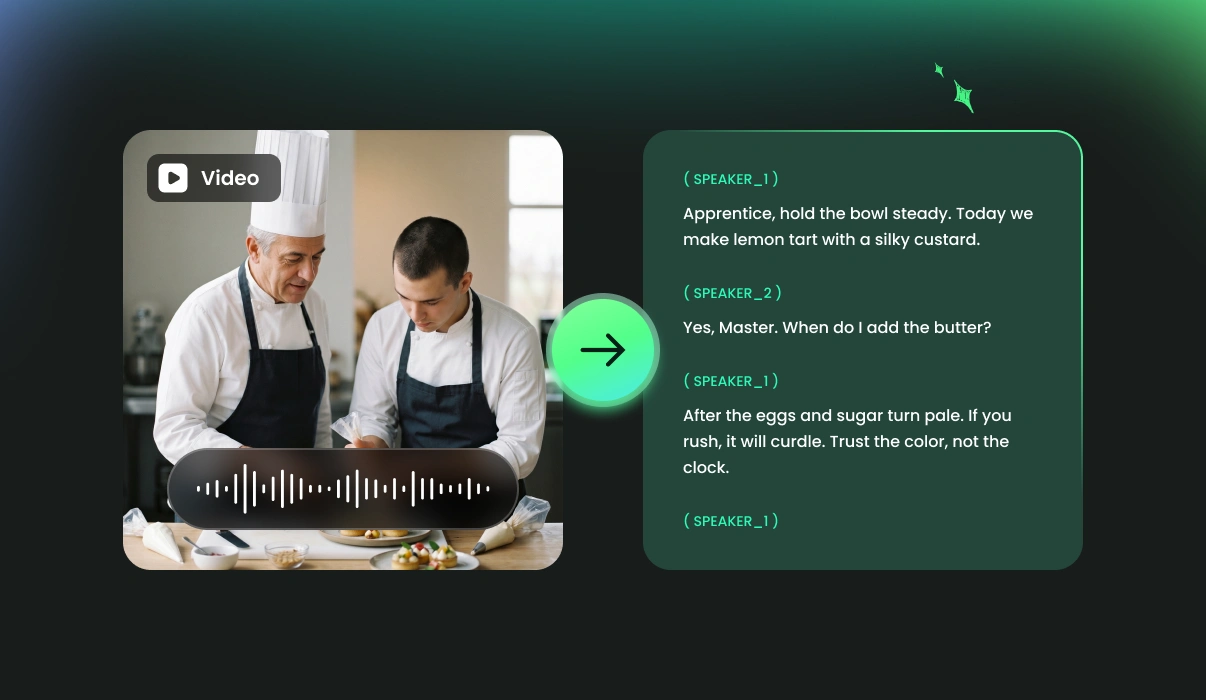
Convert video to accurate, searchable text instantly with FineVoice AI. Automatically transcribe spoken content from YouTube, podcasts, online courses, webinars, and other videos into readable transcripts with speaker labels, timestamps, multilingual support, and flexible export formats. No manual typing or complicated editing required.
Why Use FineVoice Video to Text Converter
FineVoice AI Video to Text accurately detects who is speaking and transcribes spoken content into structured, easy-to-read text with speaker labels and timestamps. Powered by advanced ASR technology, it delivers fast, reliable transcription across multiple languages, accents, and video formats, making it easier to create subtitles, notes, and repurposed content with minimal effort.
High Accuracy
Deliver highly accurate video-to-text transcription, even with background noise, multiple speakers, accents, or fast-paced speech recordings.
Speaker Labeling
Automatically detect and label different speakers throughout conversations, making transcripts easier to read, organize, review, and act on later.
Lightning-Fast Transcription
Convert videos into searchable text within seconds, reducing time spent on manual typing, reviewing recordings, and preparing transcripts or subtitles.
Multiple Input & Export Formats
Support common video formats including MP4, MOV, AVI, and WebM, with export options such as TXT, SRT, VTT, and JSON.
99+
Languages & Accents
Automatically detect and label different speakers throughout conversations, making transcripts easier to read, organize, review, and act on later.
Private & Secure
Your videos and transcription data are processed securely with privacy-focused protection, keeping files confidential throughout the entire workflow.
Trusted by Leading Enterprises and Media






How to Transcribe a Video to Text Online
Transcribing video files into text is simple with FineVoice. Follow these three easy steps to generate accurate transcripts from your video in seconds.
1
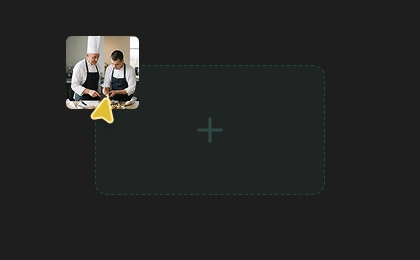
Step 1. Upload Video
Upload your video file or paste a video link into our video-to-text converter. The tool supports MP4, MOV, AVI, and WEBM video formats.
2
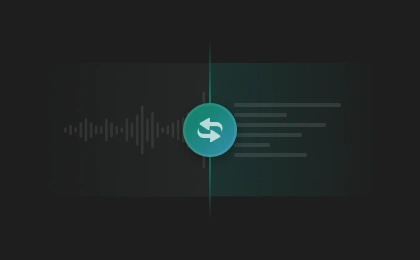
Step 2. Convert Video to Text
Select the original language or let AI detect it automatically. Adjust other settings as needed, then click "Transcribe" to convert your file to text instantly.
3
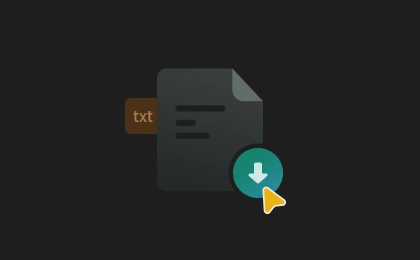
Step 3. Save Transcript
Your transcript will be generated quickly. Once completed, preview and download the transcript in TXT, SRT, VTT, or JSON format for your workflow or content needs.
Smarter Video Transcription for Content, Communication, and Collaboration
Convert spoken video content into searchable, accessible, and reusable text for subtitles, collaboration, content creation, and faster information discovery. Transcribe videos effortlessly with unmatched accuracy using our state-of-the-art Speech to Text model.
Transcribe Videos from Any Platform or Format
FineVoice supports video-to-text transcription across popular platforms and file types, including YouTube, Zoom, Google Meet, Microsoft Teams, Loom, lecture recordings, and local files. Easily upload MP4, MOV, AVI, WebM, and more without worrying about compatibility issues or complicated workflows.

Repurpose Video Content Faster with AI
Turn videos into blog posts, podcast scripts, subtitles, meeting notes, social content, and searchable transcripts in minutes. Whether you are a creator, marketer, educator, or researcher, the AI video transcriber helps you easily reuse valuable spoken content across multiple formats and platforms while saving hours of manual work.
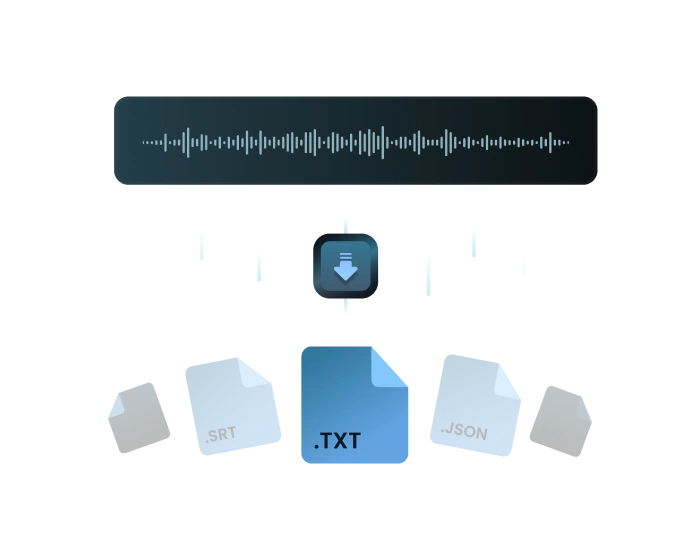
Make Video Content Searchable and Easier to Review
Convert spoken dialogue in videos into structured, searchable text with precisely labeled speakers and timestamps so you can quickly find key moments, important quotes, action items, or discussion topics without replaying entire videos. Searchable transcripts make reviewing meetings, lectures, interviews, and long-form content faster, more organized, and more efficient.
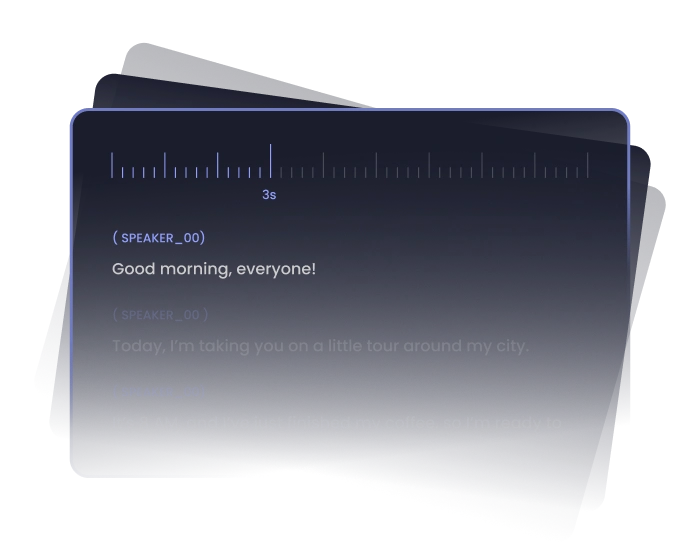
Reach Global Audiences with 99+ Languages
Effortlessly transcribe videos in 99+ languages and accents, helping break language barriers and expand your content to viewers worldwide. From multilingual meetings to international video content, our AI video transcript generator makes communication, accessibility, localization, and global collaboration easier than ever.
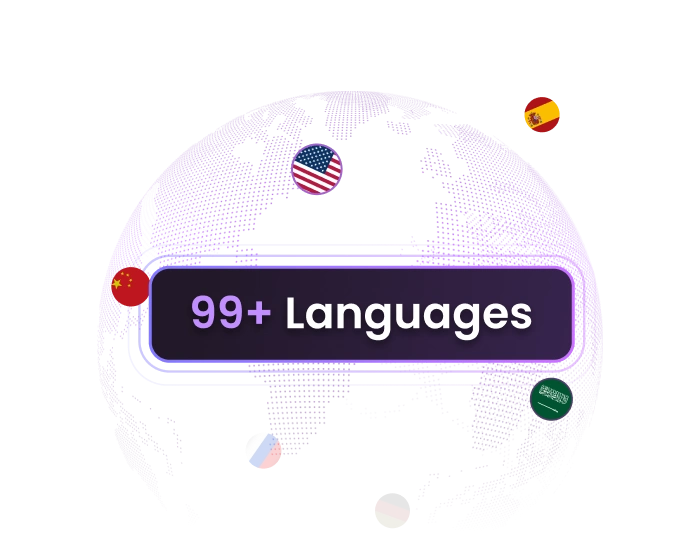
Powerful AI Video to Text Converter for Every Need
Powered by advanced Speech-to-Text technology, FineVoice delivers fast, highly accurate video transcription across multiple languages, accents, and recording scenarios. See how it helps you in real situations.
Webinar Transcription
Video Subtitle & Caption Creation
Video Podcast Transcription
Online Learning & Course Notes
Content Repurposing for Creators
Webinar Transcription
Convert webinars, virtual events, and online presentations into searchable transcripts for easier review, meeting documentation, content archiving, and post-event content repurposing workflows.
More Than Just Video to Text
Discover more AI tools to create studio-quality voices, music, sound effects, and audio content quickly and effortlessly.
What Our Users Are Saying
Join millions of users worldwide. See what people are saying about our video-to-text transcription service.

4.9
TrustScore

95%
User Satisfaction

10M+
Users Worldwide
 Rated 5
EK
Elodie Krauss
Rated 5
It’s incredibly easy to transcribe training videos with FineVoice. The transcripts are organized, accurate, and much faster than manually typing everything myself. It has become an essential part of my content workflow.
KH
Keiran Holtby
Rated 5
FineVoice helped our remote team transcribe meeting recordings into structured text quickly. Searching through transcripts for action items and discussion points is much faster now.
TM
Tahlia Moreau
Rated 5
I needed subtitles for several short-form social videos and podcasts, and this tool handled everything smoothly. The AI transcription was accurate even with fast speech, and exporting SRT files for editing software made the publishing process much more efficient.
RC
Riven Castell
Rated 5
The tool supports Spanish well. It helped me create subtitles faster and expand my content to a wider international audience.
SL
Soraya Lindell
Rated 5
The best part about FineVoice is how easy it is to turn videos into useful written content. I’ve used transcripts for blog posts and searchable documentation without spending extra hours reviewing recordings manually.
JV
Jorren Vale
 Rated 4
The transcription quality is very strong, especially for educational videos. A few technical terms needed small edits, but the speaker detection and subtitle exports saved me a huge amount of editing time.
LC
Linnea Corbett
Rated 4
I transcribed a podcast video. The process was fast and easy to understand, and the transcript formatting looked clean. I’d love slightly more customization options for exports, like PDF, in the future.
CF
Caius Fenwick
Rated 4
FineVoice works well for converting recorded meetings and interview videos into searchable text. Most of the transcript was highly accurate, even with multiple speakers. But sometimes, I needed minor corrections.
MS
Mireya Solberg
FAQs About FineVoice Video to Text Converter
1. What is video transcription?
You can export transcripts in multiple formats, including TXT, SRT, VTT, and JSON for subtitles, captions, plain text, and word-level timestamped transcript data.
2. What file formats does the video transcription tool support?
3. What export formats are available?
4. Does FineVoice video transcriber support multiple languages?
5. How to get the transcript of a YouTube video?
6. Does the tool support multiple speakers in a video?
7. Is the transcription accurate in noisy environments or with different accents?
8. Is my data safe when using the video transcription tool?
 FineVoice
Transcribe Videos to Text Online Free
Use our free video to text converter to transform videos into accurate, searchable transcripts in 99+ languages. Generate subtitles, speaker labels, and timestamped transcripts instantly — no software download or technical skills required.

I was surprised by how accurate the transcripts were. Speaker labeling and timestamps made reviewing conversations much easier, and exporting subtitles for videos saved me hours of manual work during post-production.
Marcellus Vane