I used this tool for voiceover cleanup, and it saved me hours of manual editing. The mouth noises disappeared while the voice still sounded natural.
Remove Mouth Clicks from Audio
Remove mouth clicks, lip smacks, and tongue noises from your audio to achieve cleaner, more polished sound quality for podcast cleanup, voiceover editing, interviews, narration, and dialogue enhancement.


Drag & drop audio here or click to upload
Supported formats: MP3, AAC, AMR, M4A, WAV · Max duration: 20 min · Max size: 30MB
Before & After
Original
00:00
Cleaned
00:00

4.9 / 5.0

Based on User Reviews

500+
Media Mentions & Features
10M+
Users Worldwide
Trusted by Creators, Leading Media, and AI Communities Worldwide











AI Mouth Click Remover: Make Spoken Audio Sound More Natural and Comfortable
Even small mouth noises can become distracting in close-mic recordings and long listening sessions. FineVoice helps smooth out unwanted clicks and mouth sounds, creating cleaner speech flow and a more enjoyable listening experience for audiences across podcasts, narration, interviews, and other voice-focused content.
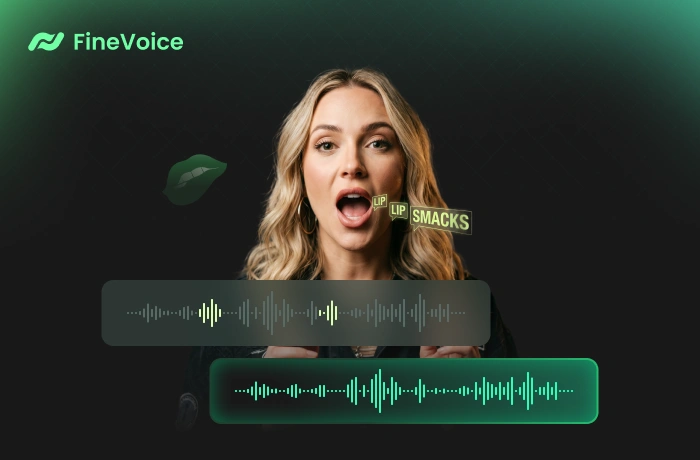
Improve Recording Quality without Complicated Editing
No need for manual waveform editing or advanced software knowledge, our AI-powered mouth noise remover works automatically in just a few clicks, helping you save time while producing clearer, more polished recordings for publishing, sharing, or professional use.
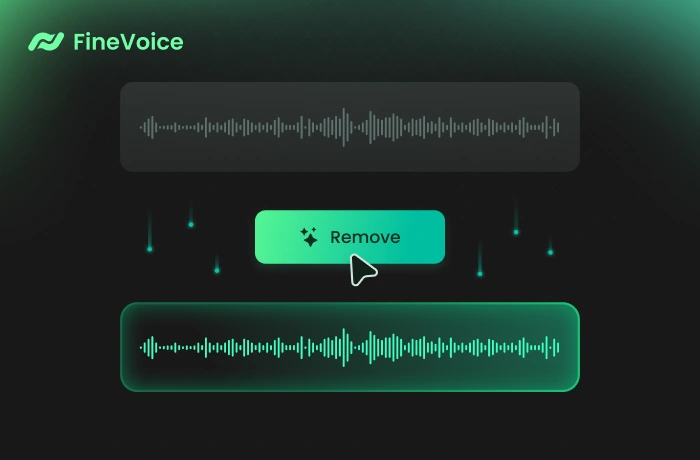
Why Choose FineVoice to Remove Mouth Clicks
Powered by advanced AI, FineVoice removes mouth clicks quickly and accurately without software downloads or complicated editing. It works smoothly for podcasts, voiceovers, interviews, online courses, webinars, and other spoken audio recordings.

Natural Voice Quality
Remove unwanted mouth noise while preserving natural vocal tone, speech clarity, and smooth overall listening quality.

Easy to Use Online
No sign-up or technical skills required — simply upload your file and remove mouth clicks directly in your browser.

Fast and Accurate
Clean up mouth clicks, lip smacks, and saliva noises in seconds with precise AI-powered audio processing.

Private and Secure
Your audio is processed securely, ensuring your recordings are private and protected throughout the cleanup process.
How to Remove Mouth Sounds from Audio
No complicated editing steps required, just several simple clicks. Follow the steps below to remove unpleasant mouth sounds from your audio instantly.
1
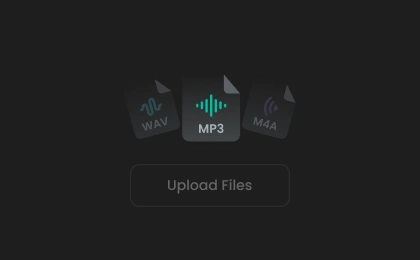
Step 1. Upload Audio
Click to upload your audio or drag & drop it into the mouth click remover. You can also record audio directly using our online voice recorder.
2
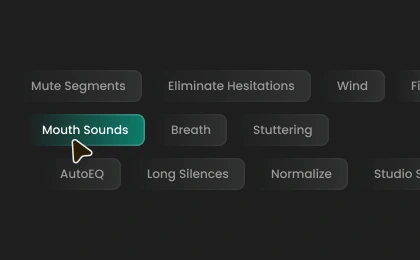
Step 2. Remove Mouth Noise
Once uploaded, remove mouth clicks and unwanted mouth noise from your audio with a single click. You can also choose an output format or keep the default setting.
3
Step 3. Download Audio
The process may take a moment. Once completed, preview the cleaned audio and download it for use in podcasts, social media content, voiceovers, or other creative projects.
Common Use Cases for Removing Mouth Clicks from Audio
Whether it's a podcast, course, interview, or narration recording, FineVoice removes mouth clicks from your audio quickly and easily without complicated editing or audio experience required.
Podcast Recording
Voiceover and Narration
Online Course and Webinar Audio
ASMR and Close-Mic Recording
Podcast Recording
Remove distracting mouth clicks, lip smacks, and saliva noises from podcast recordings to create smoother, more professional-sounding conversations and narration.
What Users Say About Our Mouth Click Remover
 Rated 5
EL
Everett Langley
Rated 5
This tool works much better than I expected. My interview recordings sounded cleaner instantly without needing complicated settings.
NF
Nadia Fairbourne
Rated 5
FineVoice removed mouth clicks in just a few moments while keeping the recording clear and natural. The browser-based workflow also made the whole process extremely convenient.
BH
Benedict Holloway
Rated 5
It helped improve my audio recording that had constant mouth noises throughout the presentation. The final audio sounded cleaner and more professional without making the speech feel artificial. The upload and cleanup process was quite simple.
RV
Rosalind Vane
Rated 5
I record online lessons regularly, and FineVoice helped reduce distracting lip smacks and tongue noises that became noticeable with headphones. Very useful and easy to use.
JM
Julian Mercer
Rated 5
The AI cleanup felt fast and accurate. My voice recordings sounded noticeably more polished after removing subtle mouth sounds.
CW
Celeste Winthrop
 Rated 4
FineVoice removed distracting mouth clicks from my podcast audio while preserving the warmth and clarity of the original voice recording surprisingly well, producing natural results for spoken content.
DA
Dominic Ashford
Rated 4
The mouth click remover worked well for my narration recordings and noticeably reduced unnecessary saliva noises. The audio sounded much smoother and easier to listen to after processing.
VE
Vivienne Elliston
Rated 4
I used FineVoice to clean up my audio recorded with a sensitive microphone. It removed most lip smacks and tongue noises effectively while keeping the conversation natural. I would love additional manual adjustment options, but the automatic cleanup already works very well.
LP
Lucian Pembroke
More Than Just a Mouth Noise Remover
Go beyond mouth-click removal with FineVoice's AI-powered audio enhancement, which helps create cleaner, smoother, and more professional-sounding voice recordings.
FAQs About Removing Mouth Clicks from Audio
1. How to remove mouth noises from my recording?
Simply upload your audio file to the AI mouth sound remover, and the tool will automatically detect and remove distracting mouth noises in just seconds.
2. What mouth sounds can you remove?
3. What file types and sizes do you support?
4. Do you remove breath?
5. Is the mouth noise remover free to use?
6. Does the mouth click remover work for interviews and lectures?
 FineVoice
Ready to Remove Mouth Clicks from Your Audio?
Remove mouth sounds from audio in just a few simple clicks with our AI mouth noise remover. Achieve cleaner, more professional voice quality and enjoy a smoother listening experience — no manual editing required.

FineVoice removed distracting mouth clicks from my podcast recordings surprisingly well. The voices sounded smoother and much easier to listen to afterward.
Corinne Halstead