











These whip effects are great for syncing animation movement. I usually export everything as MP3 and drop it straight into After Effects timelines without extra processing.
Slice Through the Mix with High-Velocity Whip Sound Effects
Add sharpness, speed, and precision to your edits with whip sound effects designed for fast visual movement and rhythmic impact. From tight motion accents and cinematic cuts to UI feedback and stylized transitions, these sounds bring instant clarity and energy to every frame. FineVoice helps you generate or download high-quality whip audio for videos, games, motion graphics, and modern digital content.
FineVoice AI Whip Sound Effects Generator
FineVoice AI Whip Sound Effects Generator lets you design fast, clean, and highly responsive motion sounds in seconds. Whether you need a quick whip for a scene cut, a stylized motion accent for animation, or a sharp audio cue for UI interaction, the AI generates precise whip sound variations tailored to your input. Just describe the movement, speed, and energy you want, and FineVoice will produce multiple whip-style audio options ready for creative use.
 30 credit(s)
 Examples:
0/250
Duration:6s
How to Create Whip Sound Effects with FineVoice
Whip sound design is not about complexity—it’s about precision. Every sound exists to reinforce movement, and FineVoice helps you shape that connection between frame and audio in three simple steps.
1
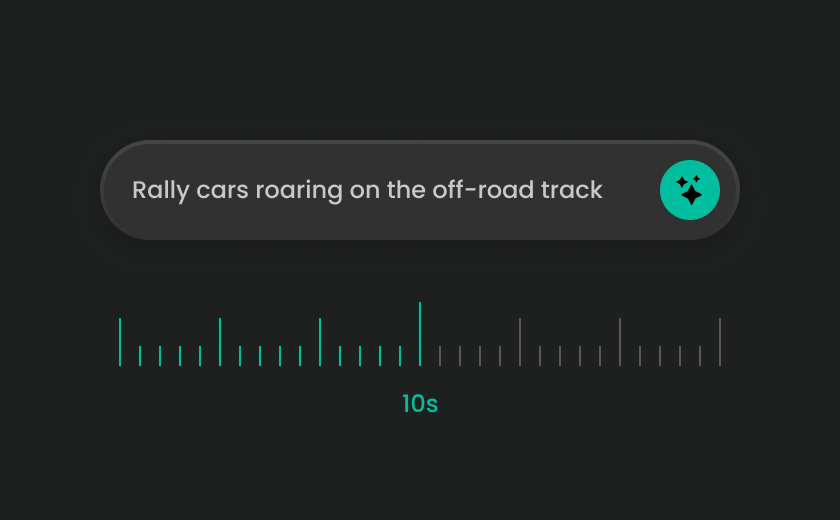
Step 1: Search for Whip Sound Effects
Browse whip sound effects using keywords like whip SFX, motion cut sound, swipe transition, fast edit sound, or UI motion audio. Preview different options and choose sounds that match your editing speed and visual movement style.
2
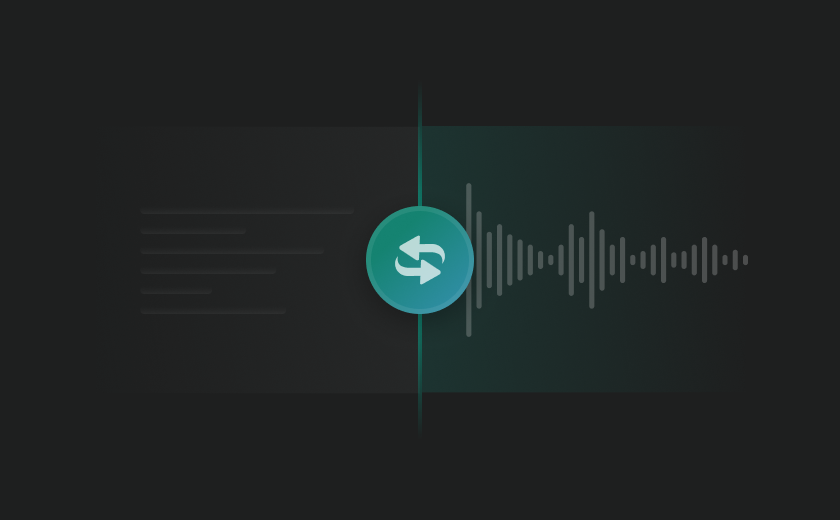
Step 2: Generate Custom Whip Sounds with AI
If you need something more specific, use AI to generate custom whip sounds by describing the motion—such as fast cuts, camera whip pans, or UI swipe actions. This helps create audio that matches your exact timing and editing rhythm.
3
Step 3: Preview & Apply to Your Edit
Preview the sound in your timeline and check how it aligns with cuts or motion. A good whip sound should tighten the edit without drawing attention. Once it fits, download and use it in your project.
Explore & Download More Designed Sound Effects
Different genres demand vastly different types of acoustic friction. Explore our highly targeted subcategories of designed sound effects to locate the exact kinetic energy your creative layout commands.
Explore All FineVoice Sound Effects Categories
High-speed whip sounds are excellent for adding sharp punctuation, but full multimedia production requires a complete sonic landscape. FineVoice supports different layers of audio design—from motion accents to cinematic emotion and environmental atmosphere.
What Creators Say About FineVoice Whip Sound Effects
Creators use whip sound effects to tighten edits, improve motion clarity, and make fast-paced content feel more structured and intentional. Here’s how they actually use them in real projects.

4.9
TrustScore

95%
User Satisfaction

10M+
Users Worldwide
 Rated 5
MC
Megan Collins — Motion Designer
Rated 5
Perfect for UI interactions. I use them for swipe actions and button transitions to make the interface feel more responsive and alive.
DL
Daniel Lee — UI Designer
Rated 5
They’re ideal for TikTok and Reels. The whip sounds make even simple cuts feel more dynamic without being distracting.
SA
Sophie Adams — Short-form Content Editor
Rated 5
I use whip sounds for UI feedback and quick interaction cues. They work really well for keeping gameplay rhythm clean.
RP
Ryan Park — Game Developer
Rated 5
They help structure pacing in my videos. I mainly download MP3 files and sync them directly in Premiere Pro.
EF
Emily Foster — YouTube Editor
Rated 5
What I like is how consistent they feel. I can quickly match different whip variations depending on the project style.
JW
Jason Wu — Freelance Editor
Rated 5
Great for motion graphics timing. They fit perfectly with keyframe-based animation work.
OG
Olivia Grant — Animator
Rated 5
Clean, sharp, and easy to use. I don’t need to process anything—just download the MP3 and use it immediately.
EB
Ethan Brooks — Digital Creator
Rated 5
Makes fast edits feel way more professional. Especially useful when I need quick turnaround content.
MC
Mia Clark — Social Media Editor
FAQs About FineVoice Whip Sound Effects
1. What are Whip Sound Effects used for?
Whip sound effects are mainly used to emphasize fast motion in video editing, motion graphics, UI design, and short-form content. They help highlight jump cuts, swipe transitions, camera movements, and animated sequences by adding a sharp audio cue that matches visual speed and direction. In modern editing workflows, they are often used as timing accents rather than just background effects.
2. What makes a good whip sound effect?
3. Can I use Whip Sound Effects in video editing projects?
4. Are FineVoice Whip Sound Effects royalty-free?
5. What format are the sound effects available in?
6. Can I use Whip Sound Effects for social media content?
7. Are Whip Sound Effects suitable for motion graphics?
8. Can Whip Sound Effects be used in UI/UX design?
9. Do I need sound design experience to use whip sounds?
10. Can I customize Whip Sound Effects?
11. What kind of videos work best with whip sounds?
 FineVoice
Sharpen Every Cut with Whip Sound Effects
Great editing isn’t just visual—it’s rhythmic. FineVoice Whip Sound Effects help you lock motion, refine pacing, and add precision to every cut. Whether you're editing videos, designing motion graphics, or building UI interactions, whip sounds give your work the sharpness it needs to feel intentional and professional.
Download Free Whip Sound Effects
I use whip sounds almost like timing markers now. They help me lock jump cuts perfectly, especially in fast-paced edits. Everything just feels tighter.
Alex Rivera — Video Editor