AI Streamer Voice Generator
Give your streams a unique identity with FineVoice AI Streamer Voice Generator. Create expressive AI streamer voices for live broadcasts, gaming videos, alerts, intros, and social content. Whether you need a funny character voice, professional narration, or an unforgettable streaming persona, FineVoice helps you generate realistic audio in minutes. Try this online streamer voice generator to make your streams more interactive, creative, and memorable.
Text to SpeechHistory
Examples:

Settings
AI Voice

- Voice Name
- 0 Used
Create your AI voice for free.
Model
 FineVoice TTS Max
Hear Our AI Streamer Voice Samples
Cooper Pierce
A clear male voice with a moderate-fast speaking speed and confident rhythm. His delivery is polished but conversational, blending excitement with expertise. The tone is upbeat, knowledgeable, and friendly, ideal for livestreams, reviews, and commentary.
Amy Carter
A bright female voice with a quick, lively speaking pace and playful expression. Her voice is animated and warm, with natural excitement and emotional variation. The tone is friendly, energetic, and approachable, creating a strong sense of connection with listeners.
Maya Sterling
A smooth female voice with a medium-fast speaking pace and expressive storytelling style. Her delivery feels natural and engaging, with a positive emotional range. The tone is creative, inspiring, and personable, perfect for creative livestreams and community interaction.
Dylan Frost
A youthful male voice with a fast, energetic speaking pace and expressive delivery. His voice is dynamic, with frequent changes in pitch and emotion. The tone is casual, excited, and engaging, perfect for live streams, gaming content, and online communities.
Build Your Unique Streaming Identity with AI Streamer Voices
Your voice is part of your brand. FineVoice AI streamer voice generator helps you create distinctive AI streamer voices that match your personality, channel style, and content theme. Choose from a wide range of realistic voices and transform ordinary scripts into engaging audio for livestreams, gaming clips, videos, and social posts. Whether you want a humorous announcer, energetic gaming companion, or professional narrator, you can quickly generate a voice that keeps your audience entertained and connected.
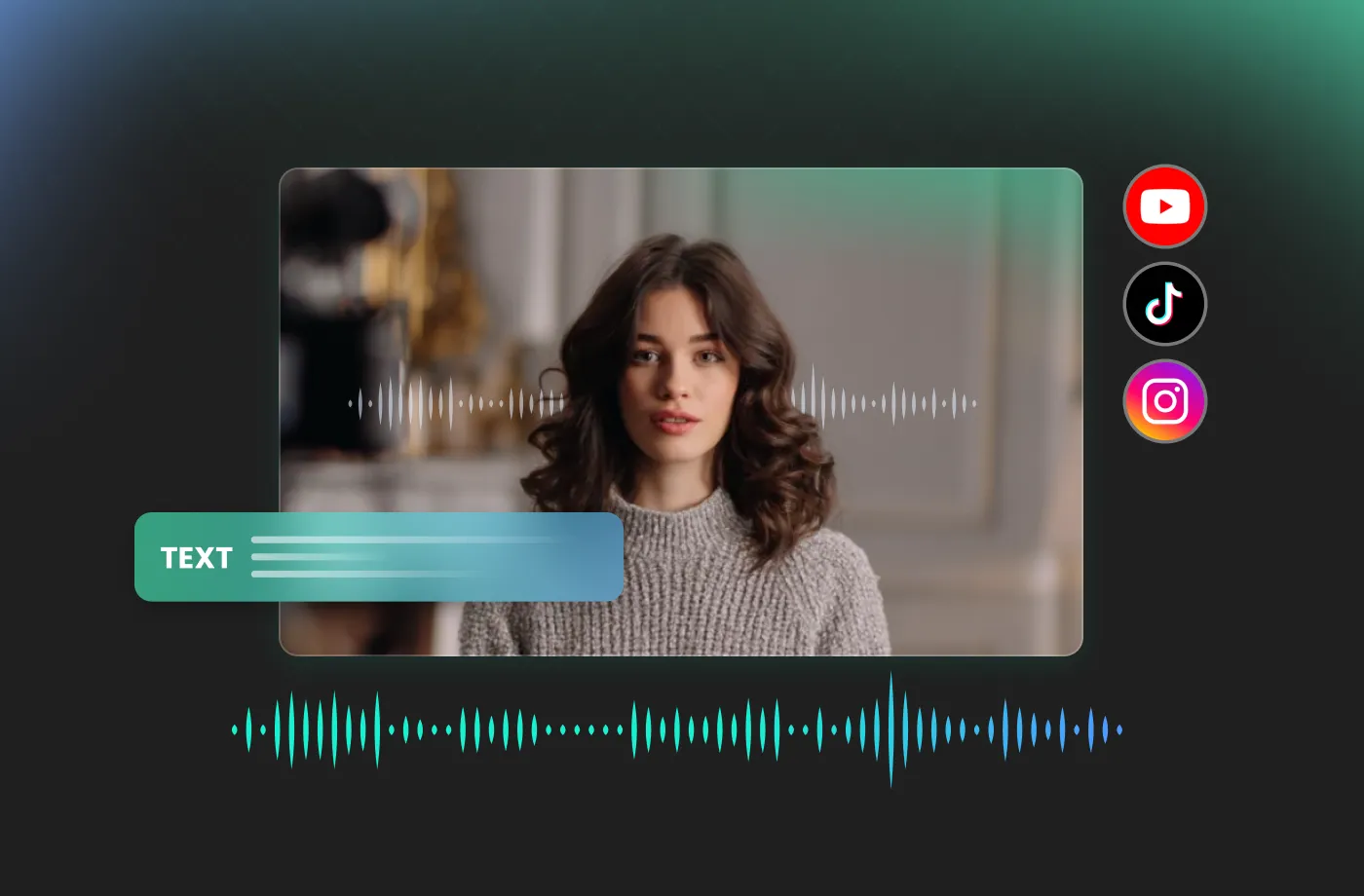
Reach Global Audiences with Multilingual Streamer AI Voices
Our AI streamer voice generator supports multilingual voice creation, helping you transform your content into 154+ languages with natural-sounding AI voices. Whether you are creating gaming streams, tutorials, announcements, or social media clips, you can adapt your voice content for audiences around the world. With advanced multilingual streamer TTS capabilities, you can expand your community reach, connect with international viewers, and create localized content without needing to record the same message repeatedly.
Customize Every Detail for Your Perfect Streamer AI Voice
With FineVoice streamer AI voice generator, you can control how your voice sounds with adjustable voice characteristics, including tone, speed, pitch, and emotion. Create a bold and energetic voice for gaming streams, a calm voice for tutorials, or a funny character voice for entertainment content. Instead of using generic AI voices, you can fine-tune your audio to build a recognizable streaming identity that feels unique to your community.
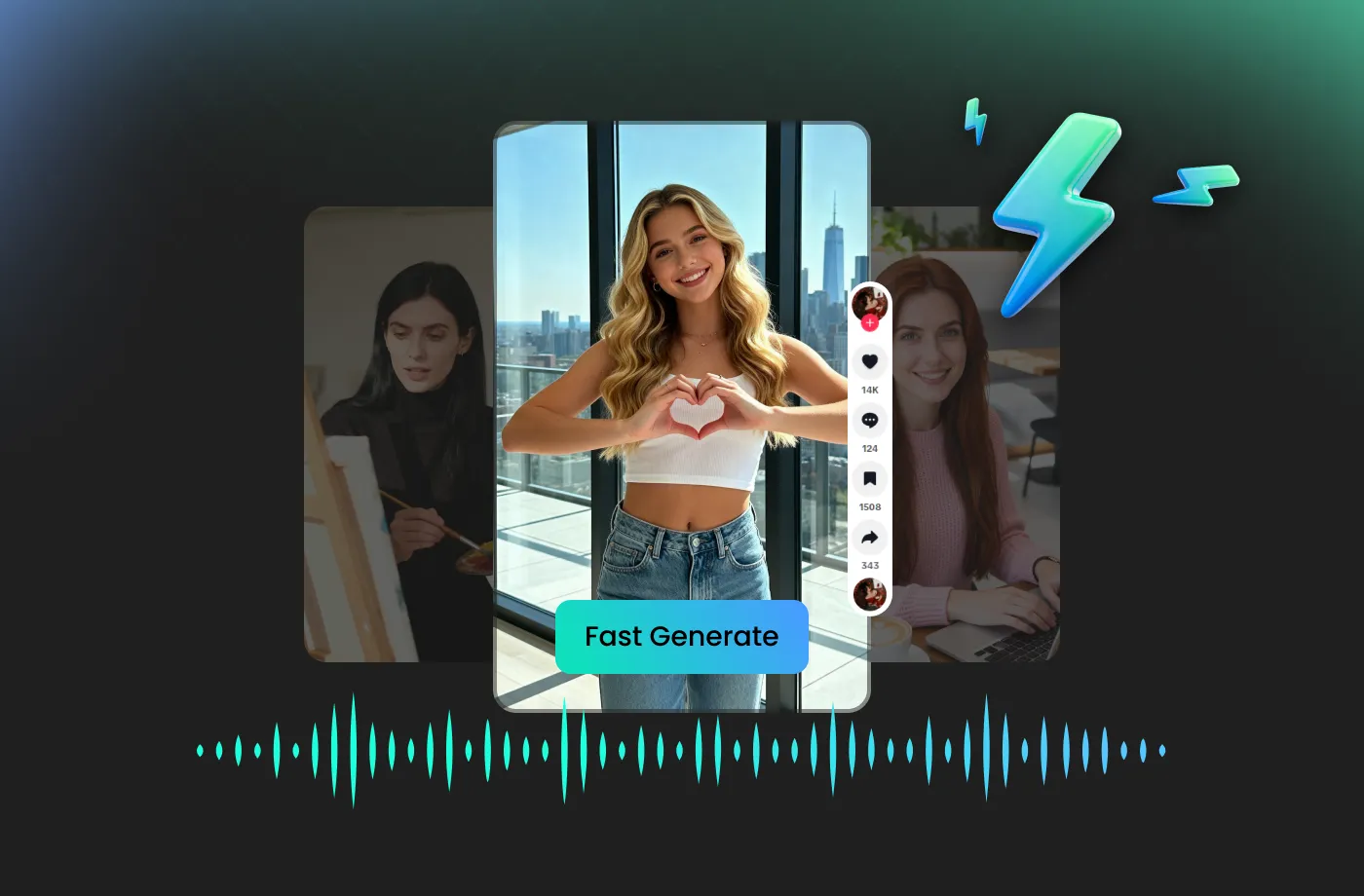
Create Professional Voice Content Online in Just a Few Clicks
No complicated software or audio skills are required. FineVoice works as an easy-to-use online streamer voice generator that lets you create AI voices directly from your browser. Generate voiceovers for livestreams, videos, podcasts, and creative projects whenever inspiration strikes. Whether you are a beginner streamer or an experienced creator, FineVoice provides the tools you need to produce professional-quality audio quickly.
How to Use FineVoice AI Streamer Voice Generator
Creating your own AI streamer voice takes only a few simple steps. FineVoice makes it easy for beginners and experienced creators to generate realistic voices without complicated settings or professional recording equipment.
1

Step 1: Enter or Upload Your Text
Start by adding the content you want to convert into speech. You can type your script directly or upload your text to generate streamer TTS audio. Use your own scripts, stream announcements, video narration, character dialogue, or any creative ideas you want to bring to life.
2

Step 2: Choose Your Voice
Browse our voice library and select an AI streamer voice that fits your content style. Fine-tune vocal traits such as pitch, speaking speed, and emotion sliders to create a voice that perfectly matches your streaming brand.
3

Step 3: Generate & Download
Click "Generate" and let FineVoice create your AI streamer voice instantly. Preview the result, make adjustments if needed, and download your audio file for livestreams, videos, gaming content, or social media projects. Start creating professional-quality voice content whenever you need it.
More Than an AI Streamer Voice Generator

Brat
Cool

Valley Girl

YouTube
Natural

TikTok


Snapchat

X

Urban

Airhead

Bubbly

Surfer Dude

Chatty

Cheeky

Cheerleader

Chipper

Ditzy

Dude

Edgy

Hipster

Hyper

Mean Girl

Millennial

Perky

Sarcastic

Soccer Mom

Tech Bro

Gossip Queen

Influencer

Witty

Yuppie

Frat Boy

Generation X

Generation Y

Relatable

Snarky

Teenager

Cosmopolitan

Geeky Nerd

Hippie

Tomboy
Explore More Voice Categories
FAQs About FineVoice AI Streamer Voice Generator
1. What is an AI Streamer Voice Generator?
An AI Streamer Voice Generator is an AI-powered tool that converts text into realistic streamer-style voices. FineVoice helps creators generate unique streamer AI voices for livestreams, gaming videos, YouTube content, alerts, and social media without needing to record their own voice. You can choose different voice styles, adjust speaking characteristics, and create engaging audio content quickly.
2. How can I use FineVoice Streamer Voice Generator?
3. Is FineVoice AI Streamer Voice Generator free to use?
4. Can I use FineVoice AI streamer voices for commercial projects?
5. Does FineVoice support multiple languages for streamer voices?
6. What can I use a streamer AI voice generator for?
7. Can I create a custom streamer voice with FineVoice?
8. Can I use FineVoice for Twitch and gaming streams?
9. Can I use FineVoice streamer voice generator online without installing software?
10. Can I create a streamer AI voice for myself?
 FineVoice
Start Creating Realistic AI Streamer Voices
Generate streamer voices instantly with our AI Voice Generator & Text-to-Speech. Easily create high-quality voiceovers for your projects in just a few clicks.
