AI Smooth Voice Generator
First impressions matter, but a robotic, choppy voiceover can ruin your content instantly. Enter the FineVoice AI smooth voice generator—your ultimate tool for creating studio-quality audio in seconds. Whether you are producing captivating podcasts, engaging YouTube videos, or accessible e-learning modules, our online smooth voice generator eliminates the robotic stutter of traditional text-to-speech. By combining cutting-edge deep learning with an intuitive interface, FineVoice delivers a smooth AI voice that captures natural human pacing, warmth, and emotion.
Text to SpeechHistory
Examples:

Settings
AI Voice

- Voice Name
- 0 Used
Create your AI voice for free.
Model
 FineVoice TTS Max
Hear Our AI Smooth Voice Samples
Sebastian Monroe
A smooth baritone with impeccable clarity and measured pacing. His voice flows naturally with elegant phrasing and subtle warmth. The tone is refined, reassuring, and effortlessly polished, ideal for premium presentations and luxury experiences.
Lucas Sterling
A deep, velvety male voice with a slow to moderate speaking pace. His delivery is fluid and relaxed, with soft articulation and gentle emphasis. The tone is warm, soothing, and sophisticated, making every sentence feel natural and inviting.
Grace Holloway
A mellow female voice with a slow, flowing rhythm and breathy softness. Her speech is consistently smooth, with graceful transitions and gentle emphasis. The tone is peaceful, comforting, and intimate, creating an immediate sense of relaxation and trust.
Zoe Sinclair
A soft, silky female voice with a gentle, medium-paced delivery. Her pronunciation is smooth and precise, with subtle emotional warmth. The tone is elegant, calming, and reassuring, perfect for beauty, wellness, and lifestyle content.
Convert Text into Professional Audio with Smooth Text to Speech
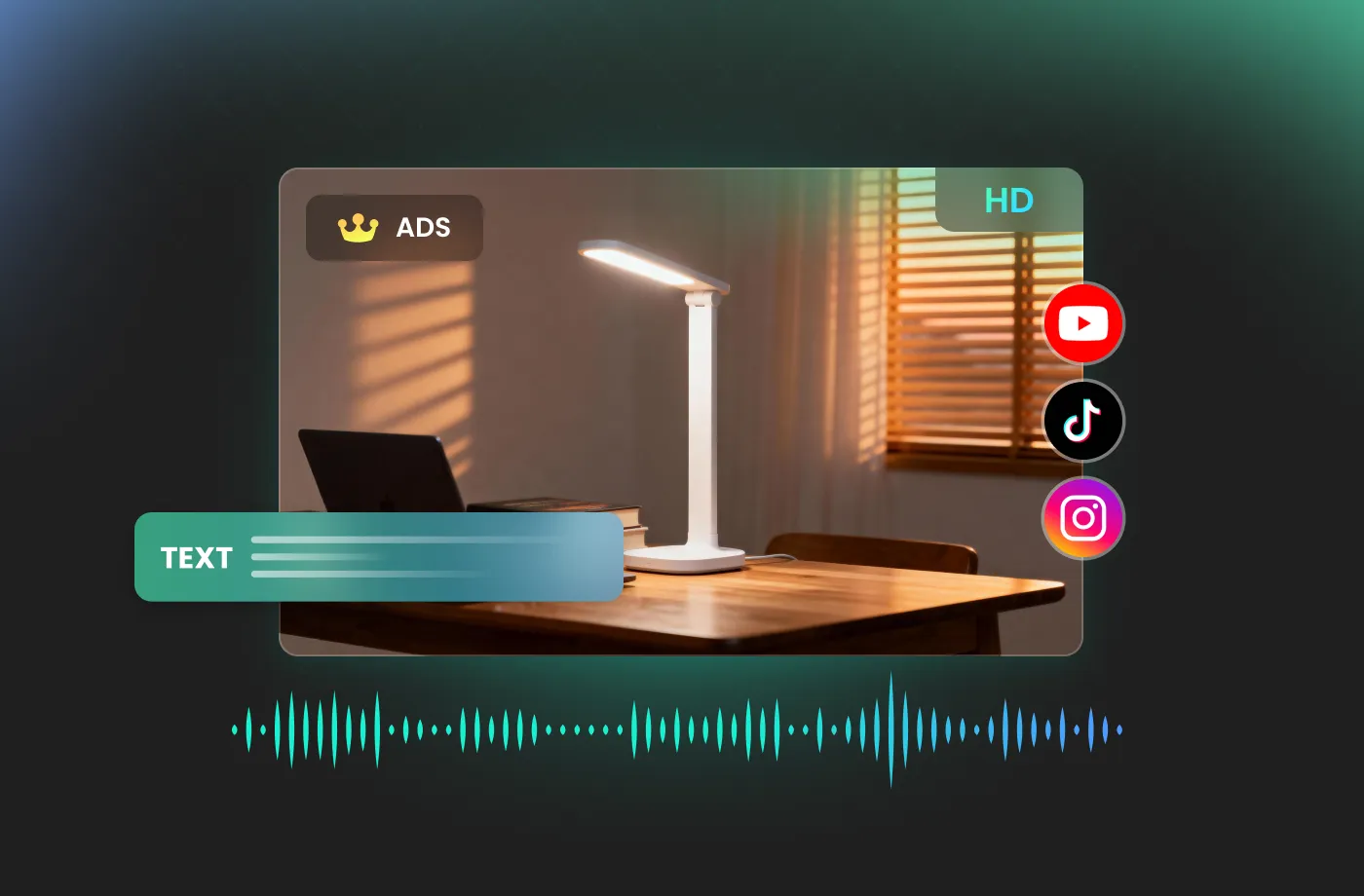
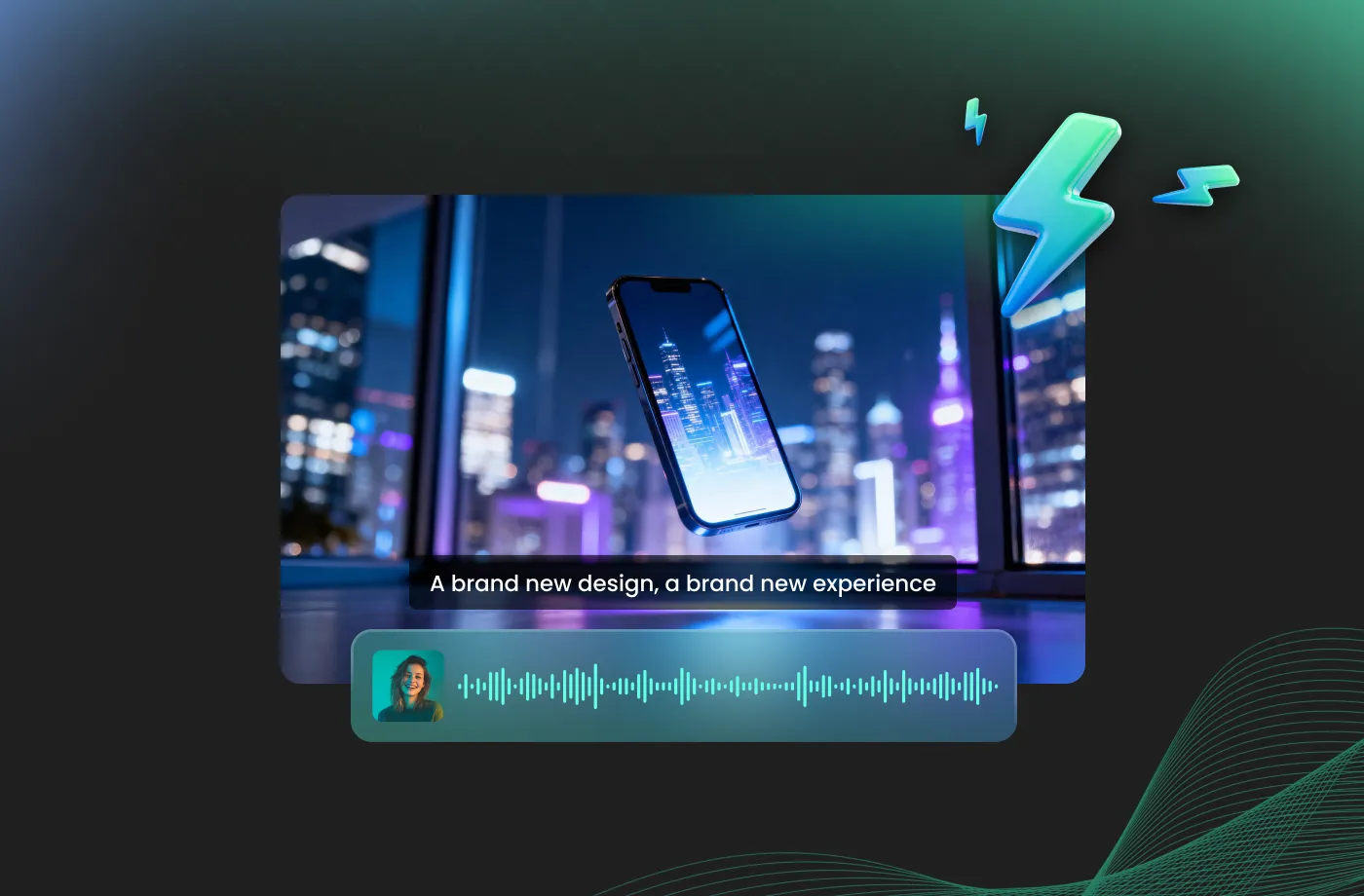
Create realistic voiceovers that sound natural, balanced, and emotionally engaging. FineVoice AI smooth voice generator uses advanced voice synthesis technology to produce smooth AI voice output with human-like pronunciation, pacing, and tone. Instead of robotic narration, you get professional-quality speech that connects with your audience. Whether you are creating YouTube videos, audiobooks, product demos, or training materials, FineVoice helps your content sound more polished and immersive.
Customize Voice Styles for More Expressive AI Voice Creation
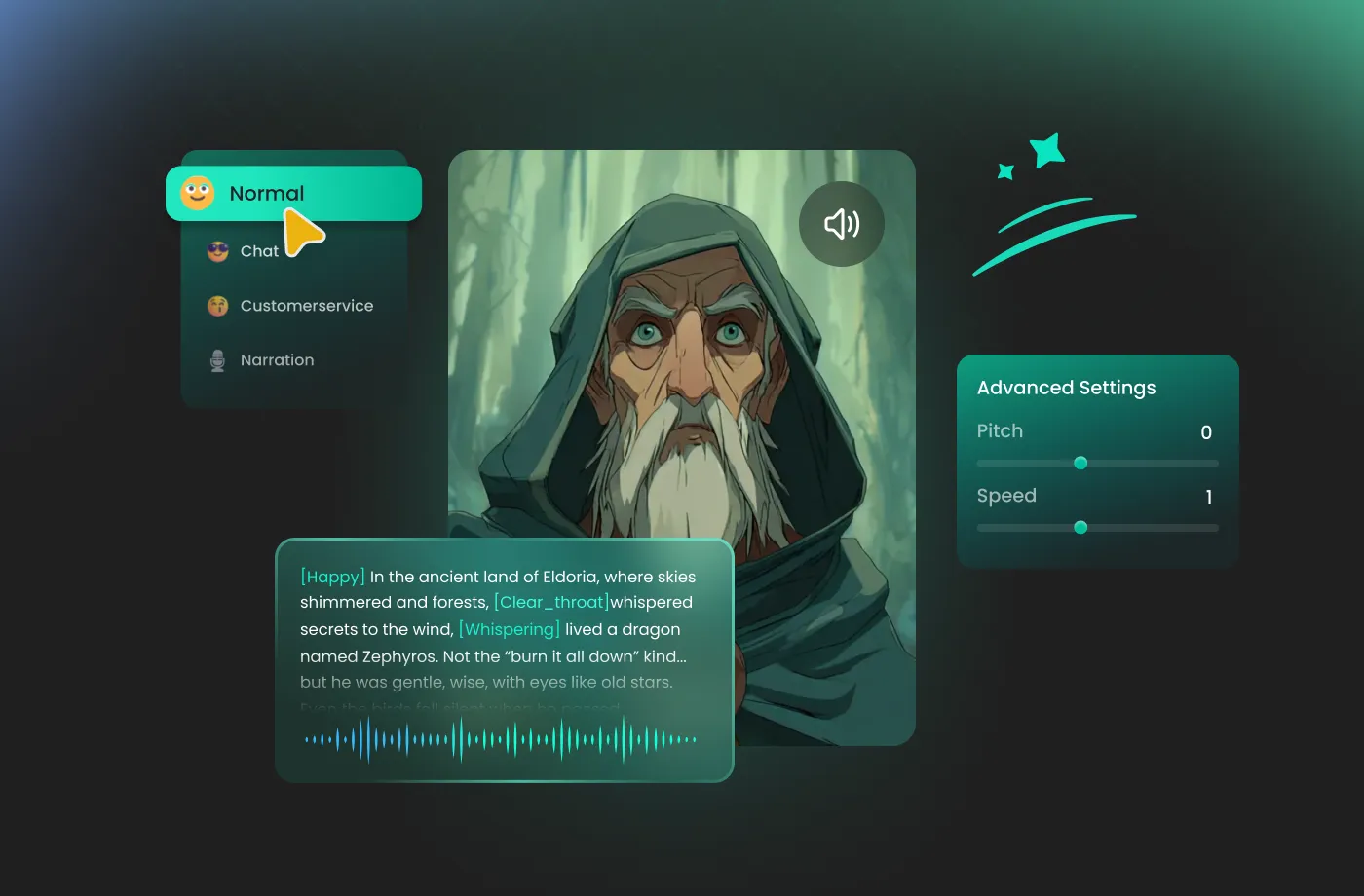
Give your voiceovers the perfect personality by customizing vocal characteristics to match your project. FineVoice AI smooth voice generator allows you to explore different voice styles and adjust key settings such as pitch, speaking speed, and emotional expression. Whether you want a warm narration voice, a confident commercial tone, or a calm storytelling style, you can fine-tune your output easily.

Create Voiceovers Anywhere with an Easy Online Smooth Voice Generator
FineVoice works as an online smooth voice generator that lets you create professional audio without complicated software or technical skills. From first-time users to experienced creators, anyone can quickly generate, preview, and download high-quality voice files. Whether you are working on videos, presentations, games, podcasts, or business content, FineVoice gives you a convenient way to produce smooth voiceovers anytime.
Support 154+ Languages and Accents for Global Voice Creation
Create natural AI voiceovers for audiences around the world with our AI smooth voice generator. Supporting 154+ languages and a wide range of accents, FineVoice helps you generate smooth, authentic speech that matches different regions and cultures. Whether you are creating multilingual videos, global marketing campaigns, online courses, or international content, you can easily select the language and voice style that fits your needs.
How to Use FineVoice AI Smooth Voice Generator
Creating realistic AI voiceovers is simple with FineVoice. Follow three easy steps to transform your text into smooth, natural speech without professional recording equipment or complicated editing tools.
1

Step 1: Enter Your Text
You can type your script directly into FineVoice or upload your text file for faster workflow. Whether you are creating narration, advertisements, tutorials, or social media content, FineVoice smooth text to speech tool quickly processes your words and prepares them for voice generation.
2

Step 2: Choose Your Voice
Browse our voice library and select the AI voice that best matches your project and customize the speaking style. Explore different vocal characteristics, then adjust settings like pitch, speed, and emotion sliders to create the exact sound you need.
3

Step 3: Generate & Download
Click "Generate" and let FineVoice create your professional-quality voiceover in seconds. Preview your AI-generated audio, make adjustments if needed, and download the final file for your videos, podcasts, presentations, courses, or creative projects.
More Than an AI Smooth Voice Generator























Explore More Voice Categories
FAQs About FineVoice AI Smooth Voice Generator
1. What is FineVoice Smooth Voice Generator?
FineVoice Smooth Voice Generator is an AI-powered voice generation tool that converts text into natural, human-like speech. Using advanced AI voice technology, it creates smooth AI voice output with realistic pronunciation, emotion, and pacing. You can use it for videos, podcasts, eLearning courses, marketing content, audiobooks, and other creative projects without needing professional recording equipment.
2. Is FineVoice Smooth Voice Generator free to use?
3. Can I use FineVoice Smooth Voice Generator for commercial projects?
4. Does this smooth text to speech tool support multiple languages and accents?
5. Can I convert text into speech with FineVoice Smooth Voice Generator online?
6. What types of content can I create with FineVoice Smooth Voice Generator?
7. Can I customize the voice style in FineVoice Smooth Voice Generator?
8. Is FineVoice Smooth Voice Generator suitable for YouTube videos?
9. Can I create AI voiceovers without recording my own voice?
10. Can I create a smooth AI voice for myself?
 FineVoice
Start Creating Realistic AI Smooth Voices
Generate smooth voices instantly with our AI Voice Generator & Text-to-Speech. Easily create high-quality voiceovers for your projects in just a few clicks.
