I merged several podcast segments into one file within seconds. The interface is clean and beginner-friendly.
Audio Joiner Online
Join multiple audio files into one online for free. No sign-up required.


Drag & drop audio here or click to upload
Supported formats: MP3, WAV, M4A, AAC, OGG, FLAC, WMA, AMR, etc.

4.9 / 5.0

Based on User Reviews

500+
Media Mentions & Features
10M+
Users Worldwide
Trusted by Creators, Leading Media, and AI Communities Worldwide











Merge Audio Files Instantly
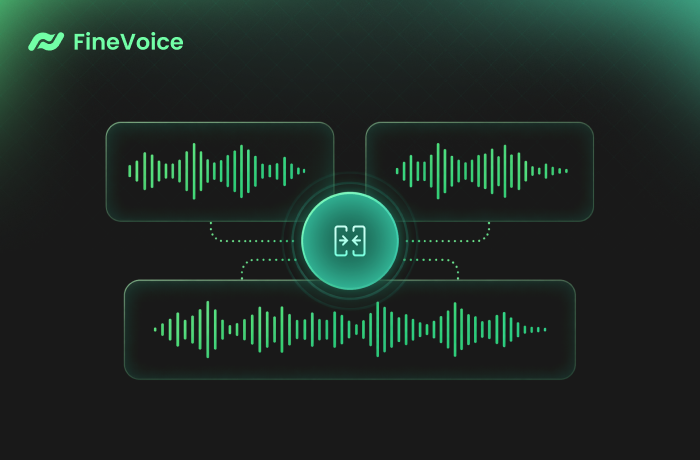
Combine multiple audio clips into one seamless track in seconds with FineVoice Audio Joiner. Simply upload your files, arrange them in your desired order, and merge them online without complicated editing software. Perfect for creating continuous recordings, playlists, or combined voice tracks with a fast and smooth workflow.
Combine Audio for Podcasts, Audiobooks, and Music
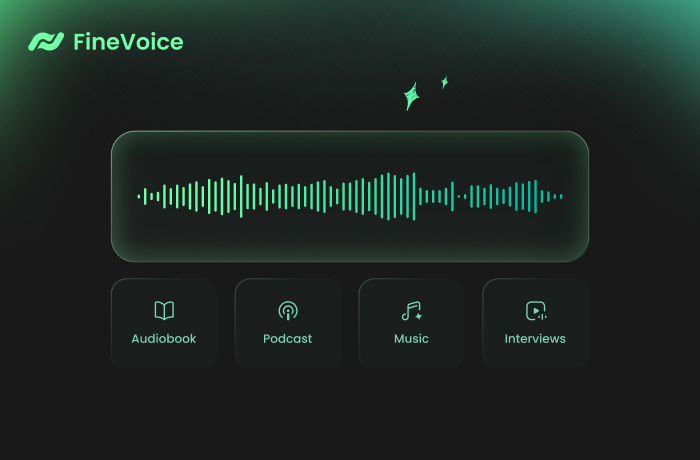
Easily merge podcast episodes, audiobook chapters, interviews, songs, music clips, or voice recordings into one complete audio file while preserving high sound quality. Whether for content creation, storytelling, or video production, FineVoice's audio file combiner helps you deliver cleaner, more professional listening experiences across audio projects.
Why Use Our Audio Joiner
Choose FineVoice for fast, simple, and secure audio merging across any device. Combine audio files in any format and export high-quality results directly in your browser—no installation or sign-up required.

Fast & Easy
Merge audio files in just a few clicks with a clean, beginner-friendly interface. Upload, combine, and export your audio within seconds.

High-Quality Output
Export merged audio in high-quality MP3 or lossless WAV format, preserving the original sound quality.

Multiple Formats Support
Supports MP3, WAV, FLAC, OGG, WMA, and other popular audio formats for flexible online audio merging.

Web-Based & Cross-Platform
Use the audio file joiner directly in your browser on Windows, Mac, iPhone, Android, and tablets without downloading software.

Secure & Private
Your files are processed securely, and the uploaded audio is not permanently stored after editing.

Free to Use
Merge audio online for free with no complicated editing workflow, upload limits, or download restrictions.
How to Combine Audio Files into One
Merge multiple audio files into one in just 3 simple steps with our free audio joiner.
1
Step 1. Upload Audio Files
Drag and drop your audio files or click to upload them into the online audio combiner.
2
Step 2. Merge Files into One
Arrange the clips in your preferred order, then click "Merge Audio" to combine them into a single track.
3
Step 3. Preview and Download
Preview the merged audio, choose your output format, and instantly save the final file to your device.
What Users Say About Our Audio Joiner
 Rated 5
ES
Elodie Sinclair
Rated 5
I uploaded different audio formats, rearranged the tracks easily, and exported them as one seamless recording. Very convenient online audio joiner tool!
GW
Grayson Whitlock
Rated 5
I use this tool for combining audiobook chapters, and it works surprisingly well. The merged audio sounds smooth with no noticeable quality loss between clips.
FA
Fiona Ashbourne
Rated 5
It saved me a lot of editing time when creating background music tracks for videos. The drag-and-drop workflow feels simple and efficient.
TH
Tristan Hollowell
Rated 5
Everything works directly in the browser. I merged audio files on my phone while traveling without needing any apps.
CM
Celia Montrose
Rated 5
I combined several voice recordings for a presentation, and the export quality was excellent. The process feels much easier than traditional editing software.
GF
Gideon Fairmont
Rated 5
Perfect for quick projects. I merged songs and sound effects together in just seconds, and the final track downloaded instantly.
LE
Lydia Everhart
Rated 5
It handles different file formats smoothly. Merging WAV and MP3 files together was effortless, and the final output sounded professional.
VN
Vincent Norwood
Rated 5
This audio clip combiner is fast, reliable, and easy to understand even for beginners. It helped me combine multiple lecture recordings into one organized file quickly.
AW
Adelaide Winsor
More Than Just an Audio Joiner
FAQs About FineVoice Online Audio Joiner
1. What file formats does the audio joiner support?
It supports MP3, WAV, FLAC, OGG, WMA, and many other popular audio formats.
2. Can I change the order of tracks before merging?
3. Do I have to create an account to use the tool?
4. Can I combine audio files with different formats into one?
5. What is the optimal format for exporting my merged audio?
6. How many files can I merge at once?
7. Can I merge audio files on my phone?
8. Do my files upload to a server?
 FineVoice
Merge Audio Files Online for Free, No Sign-up
Merge audio files in any format online for free. Combine MP3, WAV, FLAC, WMA, and more in seconds with fast, simple, and high-quality audio merging—no sign-up, installation, or credit card required.

FineVoice Audio Joiner made combining multiple interview clips incredibly simple. The process was fast, and the final audio quality stayed perfectly clear after exporting.
Bennett Calloway