







I use FineVoice for online course narration, and the results are excellent. The voices are clear, expressive, and easy for students to understand. It saves me a lot of time, without recording or editing.
Free Thai Text to Speech & AI Voice Generator
Convert Thai text into natural, lifelike speech that captures the language's unique tones. Ideal for audiobooks, video voiceovers, and on-the-go listening. Get started with our free Thai Text to Speech online — no software or sign-up required.
Text to SpeechHistory
Examples:
Settings
AI Voice

- Voice Name
- 0 Used
Create your AI voice for free.
Model
 FineVoice TTS Max
Listen to Our Thai Text-to-Speech Voice Examples
สวัสดีครับ/ค่ะ ยินดีต้อนรับ วันนี้เป็นอย่างไรบ้าง? ขอให้คุณมีวันที่ดีและเต็มไปด้วยพลังนะครับ/คะ.
วันนี้เราจะเรียนรู้คำศัพท์ภาษาไทยที่ใช้บ่อยในชีวิตประจำวัน พร้อมฝึกการออกเสียงและการใช้ในบทสนทนาอย่างเป็นธรรมชาติ.
ขอบคุณทุกท่านที่เข้าร่วมการประชุม วันนี้เราจะแนะนำผลิตภัณฑ์ใหม่ พร้อมแบ่งปันข้อมูลสำคัญและแผนงานในอนาคต.
เมื่อพระอาทิตย์ลับขอบฟ้า เด็กน้อยก็เริ่มออกเดินทางสู่ป่าใหญ่ ที่ซึ่งการผจญภัยและความหวังกำลังรอเขาอยู่.
อย่าพลาดข้อเสนอสุดพิเศษ! รับส่วนลดสูงสุด 50% วันนี้เท่านั้น ช้อปเลยและสัมผัสประสบการณ์ที่คุ้มค่ากว่าที่เคย!
Elevate Your Thai Content with Natural AI Voices
Generate natural Thai speech with intelligent word segmentation, accurate pronunciation, and realistic AI voices. FineVoice helps you create fluent, lifelike voiceovers for videos, business, education, and more.
Intelligent Thai Word Segmentation
Accurate word segmentation is essential for natural speech generation. Our Thai Text to Speech tool intelligently identifies word boundaries, sentence structure, and appropriate pauses to ensure smooth pronunciation and fluent narration. Whether you're creating educational content, audiobooks, or videos, every sentence sounds clear, natural, and easy for Thai listeners to follow.

Accurate Pronunciation for Complex Words
FineVoice accurately recognizes Thai abbreviations, loanwords, and context-dependent pronunciations commonly found in modern Thai. It intelligently handles vocabulary derived from Pali, Sanskrit, and English, such as expanding "กรุงเทพฯ" into "Krung Thep Maha Nakhon". This helps produce precise, professional voiceovers for business presentations, educational materials, news content, and localized media projects.
Natural Thai Tones with Expressive AI Voices
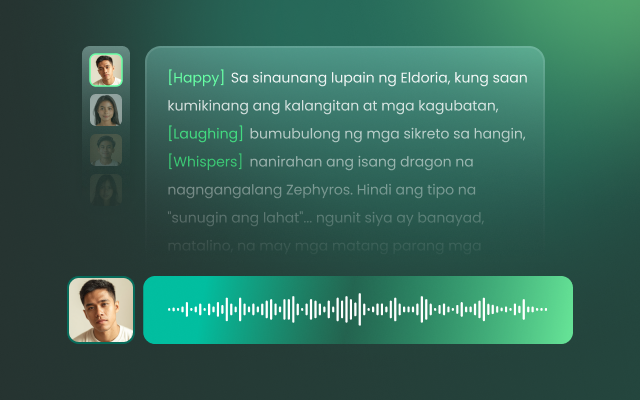
FineVoice Thai Text to Speech is designed to reproduce all five tones with natural rhythm, emotion, and clarity. Beyond realistic Thai AI voices, you can adjust speaking speed, pitch, temperature, and Top P, apply emotions like [soft], [sad], or [excited], and even design a custom AI voice to match your brand, character, or creative project perfectly.
How to Convert Thai Text to Speech
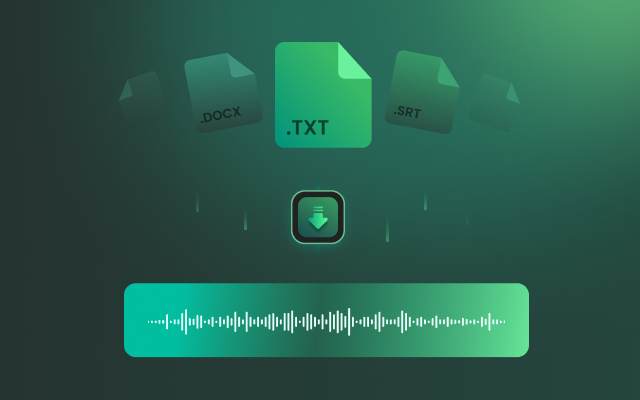
Follow these three simple steps to turn Thai text into natural, lifelike speech with FineVoice's Thai Text to Speech tool. Generate and download high-quality audio in seconds — no software or sign-up required.
1
Step 1. Enter Thai Text
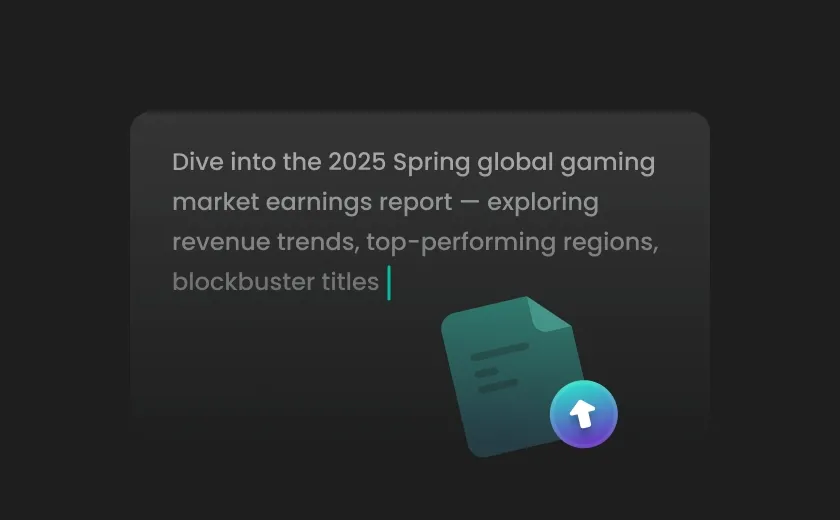
Type or paste your text, or import a script in TXT, DOCX, or SRT format into the Thai Text to Speech converter.
2

Step 2. Select a Thai Voice
Browse the voice library, filter by Thai (Thailand), preview different AI voices, and select the one that best matches your project.
3
Step 3. Generate Thai Speech
Adjust settings such as speaking speed and pitch if needed, then click "Generate" to instantly convert your text into natural-sounding Thai speech. Download the generated audio in seconds.
Create Thai Voiceovers for Every Scenario
From content creation and business communications to e-learning and language learning, FineVoice delivers natural Thai AI voices for every project.
Content Creators
Businesses & Customer Support
E-learning & Training
Language Learners
Content Creators
Create engaging Thai voiceovers for YouTube, TikTok, podcasts, and social media content in seconds. Use expressive AI voices with natural emotions, generate trendy narration, and export high-quality audio quickly to streamline your creative workflow.
Why Choose FineVoice Thai Text to Speech
Experience high-quality, user-friendly Thai text to speech with FineVoice, designed for speed, cross-platform compatibility, and robust privacy protection.

Fast and Efficient
Generate high-quality audio from text in seconds. FineVoice Thai text to speech delivers quick, reliable results without compromising clarity or naturalness.

Easy to Use
With an intuitive interface, FineVoice Thai TTS online lets you convert text to audio in just a few clicks—no technical skills required.

Cross-Platform
Enjoy seamless access on any device or operating system. Our AI Thai voice generator works smoothly across Windows, Mac, and mobile platforms.

Private and Secure
Your data stays protected. We prioritize user privacy and use robust security measures to safeguard your information throughout the conversion process.
Text to Speech Thai Voices
We have Thai text-to-speech male and female voices. Play the video to experience our lifelike and emotive voice samples.
Multilingual Text-to-Speech Across East Asia & Southeast Asia
Convert text into natural-sounding speech in a wide range of East and Southeast Asian languages. Perfect for education, accessibility, and content creation, our service delivers clear and expressive audio for users across these vibrant regions. Unlock more possibilities with our advanced Text to Speech solutions.
What Users Say About Our Thai Text to Speech
See what real users say about their experience with FineVoice Thai text to speech (TTS) in everyday content creation.

4.9
TrustScore

95%
User Satisfaction

10M+
Users Worldwide
 Rated 5
P
Pimlada
Rated 5
The voice quality is outstanding. The generated audio sounds polished enough for client presentations and marketing videos.
K
Krit.
 Rated 4
With FineVoice, I can quickly turn my scripts into natural Thai voiceovers; exporting audio only takes a few seconds.
MT
May T.
Rated 5
FineVoice handles long Thai scripts without any issues. I use it for training videos and internal presentations, and the narration always sounds consistent and professional.
T
Thanawat
Rated 5
The pronunciation is much more accurate than other Thai TTS tools I've tried. It reads complex words naturally, perfect for my audiobook projects.
A
Aom
Rated 5
I localized several promotional videos for the Thai market with FineVoice. The AI voices sound fluent and engaging, helping my content feel much more natural to local audiences.
BN
Boss N.
Rated 5
The interface is simple, and the AI voices are incredibly realistic. I can customize the speaking speed and create different styles for different types of content. Nice tool.
K
Kanya
Rated 5
Voice Design is an amazing feature. I created a custom AI voice for my brand, and now all of my product videos have a consistent, professional sound without hiring voice actors.
T
Tan
Rated 5
FineVoice has completely changed my workflow. From short social media clips to long educational videos, it generates high-quality Thai speech quickly and reliably. I highly recommend it to anyone creating content in Thai.
IP
Ice P.
FAQs About FineVoice Thai Text to Speech
1. What makes FineVoice's Thai text to speech (TTS) stand out?
FineVoice combines intelligent Thai word segmentation, accurate pronunciation, and lifelike AI voices to generate natural-sounding Thai speech. It also lets you customize speed, pitch, emotions, sound effects, and other voice settings, or create your own AI voice model.
2. Can I use the Thai TTS tool for free?
3. Can I use the generated audio for commercial purposes?
4. What languages does FineVoice TTS support?
5. Can I clone my voice to speak in multiple languages?
 FineVoice
Convert Text to Thai Speech Online for Free
Turn text into natural, authentic Thai speech with our AI Thai Text to Speech. Generate realistic voiceovers online in seconds—no software, no sign-up, and free to get started.
Start Converting Now
FineVoice produces the most natural Thai AI voices I've used. The pronunciation is smooth, and the tone sounds authentic. It's now my go-to tool for creating YouTube videos and Thai media voiceovers.
Narin P.